10 AI Video Clipper Tools: Detection, Editing and Export
Compare 10 AI video clipper tools on clip detection, editing, and export. See honest limits, free-plan details, and which fits your workflow.
Dalvo · November 24, 2026
Your podcast team uploads a 90-minute episode, waits through processing, and gets twelve clips back. Four start mid-sentence. Two only land if you heard the setup ten minutes earlier. One has the guest's surname misspelled in burned-in captions, and the vertical reframe crops out the second speaker for the entire punchline. Nothing crashed. The output just isn't publishable without a human pass.
That's the normal state of an AI video clipper, and it's why feature counts make a bad ranking. The differences that cost you time show up in three places: how the tool picks moments, how much you can change afterward, and what the export allows on free and entry plans. A watermark, a 720p ceiling, or a three-day storage window will reshape your workflow more than another caption preset ever will.
The volume pressure is real. In 2024, 83% of video marketers used short-form video, according to HubSpot's survey of more than 500 video marketers, so teams aren't choosing whether to clip, only how. The ten tools below cover spoken-word podcasts, webinars, and general footage, including the awkward cases where nobody talks and the highlight is visual. If you're batching long webinars into Shorts, treat every automatic selection as a shortlist, never a finished post.
Table of Contents
- 1. OpusClip
- 2. Vizard
- 3. Klap
- 4. 2short.ai
- 5. Captions
- 6. Munch Studio
- 7. Riverside Magic Clips
- 8. Descript
- 9. VEED
- 10. quso.ai
- How the 10 AI video clipper tools compare on free access, best fit, and editing depth
- Matching an AI Video Clipper to Your Workflow
1. OpusClip
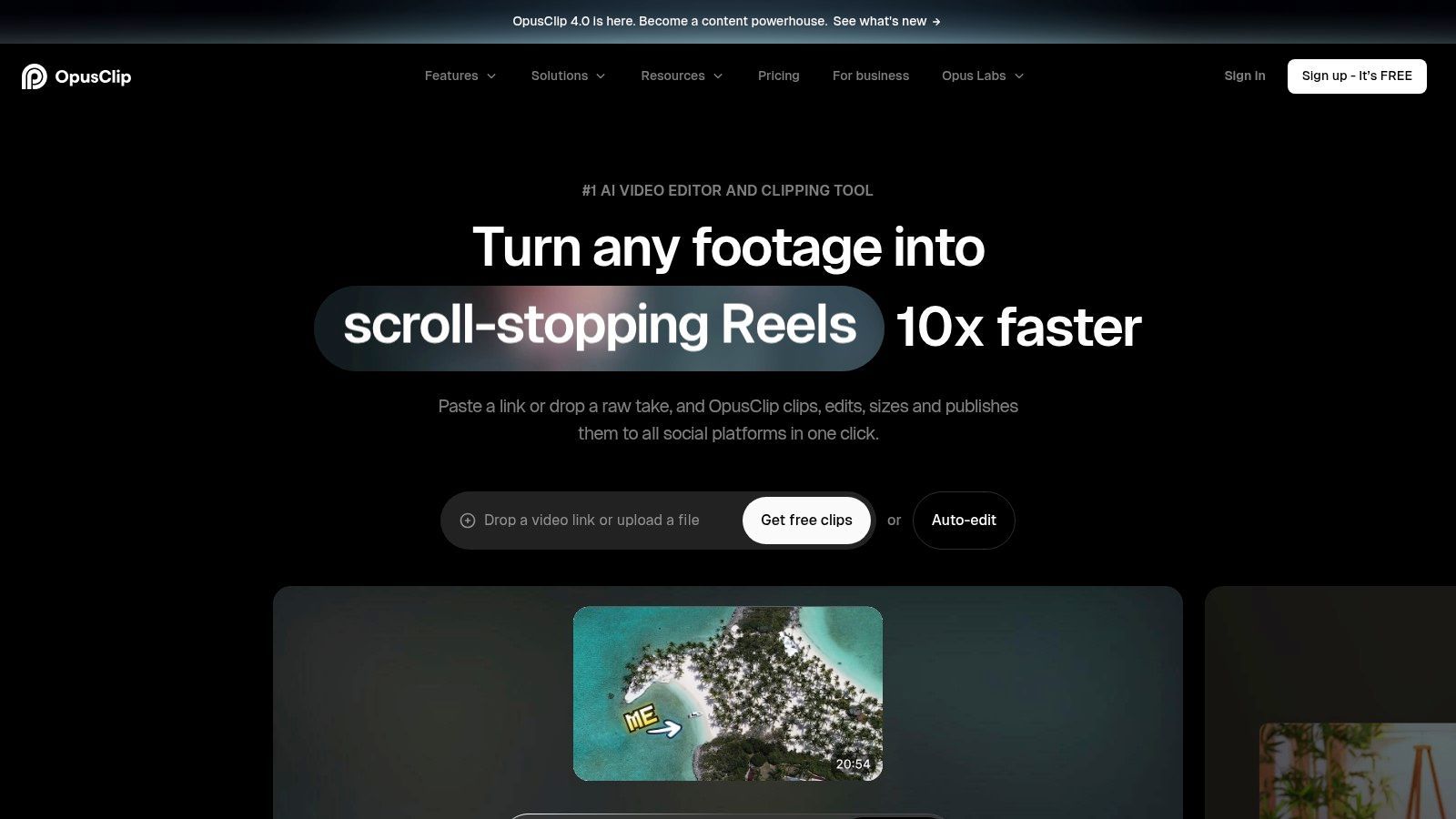
A single-host podcast or interview recorded on one camera is the cleanest case for OpusClip: submit the long file, get a ranked batch of vertical candidates, then decide which ones deserve a human pass.
Detection, editing, export
Moments come back ranked with Virality Scores, alongside animated captions and automatic reframing. Treat that score as a sorting hint rather than a verdict; it reflects patterns in the source, not whether the hook works for your audience.
Refinement stays inside the product. You can tighten in and out points, correct caption wording, adjust the crop, and publish or schedule to connected social accounts without rebuilding the clip in a second editor. The weak spot is precision: OpusClip is good at fast social cuts, less suited to frame-level finishing or complicated multi-speaker layouts.
The free tier works as a trial rather than a production path. Free clips carry a watermark and a limited export window, and import sources shift by plan, so check the current tier before you standardize intake around RSS, cloud drive, or direct upload.
- Best input: single-camera podcasts, interviews, and commentary with clean speech.
- Weakest input: panel discussions with heavy crosstalk, where reframing guesses the wrong speaker.
- Watch for: clips that open on a pronoun referring to something cut away.
If Shorts sit beside Instagram feed posts in the same calendar, keep caption conventions consistent with your Instagram video transcript workflow. For plan-tier detail beyond this outline, see ContentBuck's clip tool breakdown.
2. Vizard
A B2B team running a 55-minute webinar every other week, with six clips and a presenter review round, has the workflow Vizard suits.
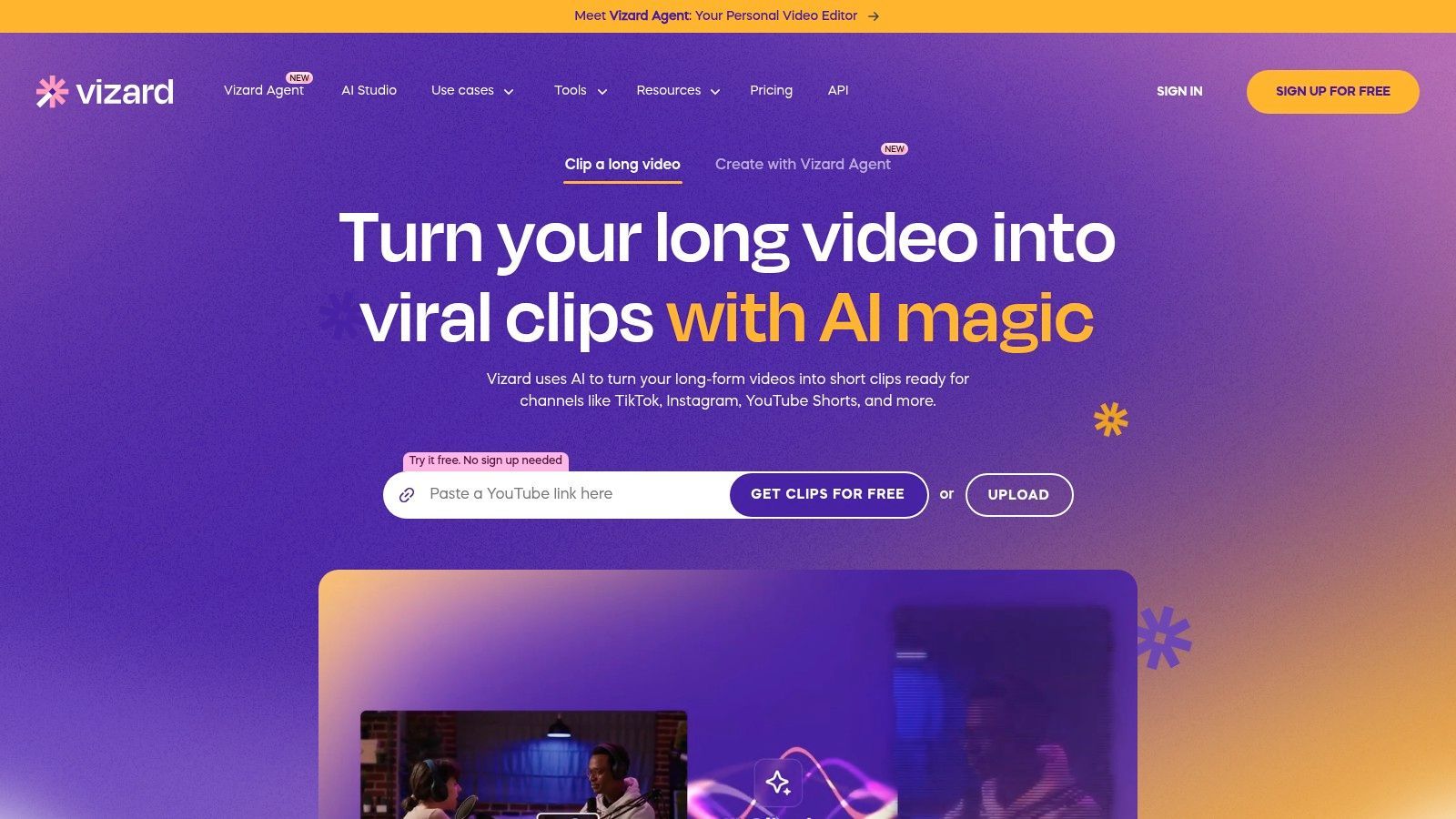
Selection runs on the transcript, so webinar material with a clear question-and-answer structure gives cleaner boundaries than a rambling roundtable. That matters at the moment-choice stage: a clip picked from a clean exchange needs less repair than one built from overlapping speech. The built-in editor is the reason to pick it over a pure generator. You can tighten a clip's opening, restyle subtitles, and connect social accounts without exporting to a second app.
Billing runs on video minutes as credits, which is predictable when you know your monthly recording volume. Do the arithmetic before you upload a back catalogue, because reprocessing the same webinar spends credits again. For a team publishing on a steady schedule, that trade-off is easier to manage than sudden usage surprises.
Practical rule: download every approved clip promptly after approval, and check Vizard's current free-plan limits before building a workflow around storage or exports.
Where it falls short: teams that need frame-level finishing or heavy motion work will outgrow the editor, and anyone clipping short bursts daily should compare credit burn against a flat plan elsewhere.
3. Klap
Klap serves two distinct workflows that often get mixed up: a consumer clipping app and a developer-facing API.
The app takes a long video and returns short clips with active-speaker reframing, animated captions, editing, and scheduling. Moment selection is promptable, so an interview show can steer the system toward a specific topic instead of accepting whichever ranked segment rises highest. That matters when the useful answer sits deep in the recording and a full rewatch would cost more than the clip itself. The trade-off is control after selection: Klap is strongest when you want a fast, guided pass, not when the final cut needs frame-level finishing.
The API and MCP route fits teams building clipping into their own product. Usage-based API pricing is separate from the consumer subscription, so a team can test selection logic in the app before moving the same workflow server-side. That distinction matters for SaaS products and AI teams that need clipping as a callable step inside transcription, dubbing, editing, or media automation workflows.
Two limits shape buying decisions. The one-video free trial lets you preview and edit but not download or post, so it shows selection quality without proving export quality. App plans also count generated clips, which makes candidate-heavy workflows expensive when the team creates twenty options to publish three.
I would use Klap for a solo creator publishing on a steady schedule, or for a product team that wants clip generation inside its own pipeline. It is a weaker fit for high-volume teams that need broad experimentation before choosing what to export.
4. 2short.ai
The narrowest tool here, and that's the point. 2short.ai is built for YouTube spoken-word video going to Shorts, Reels, and TikToks, and it uses captions to find candidate moments.
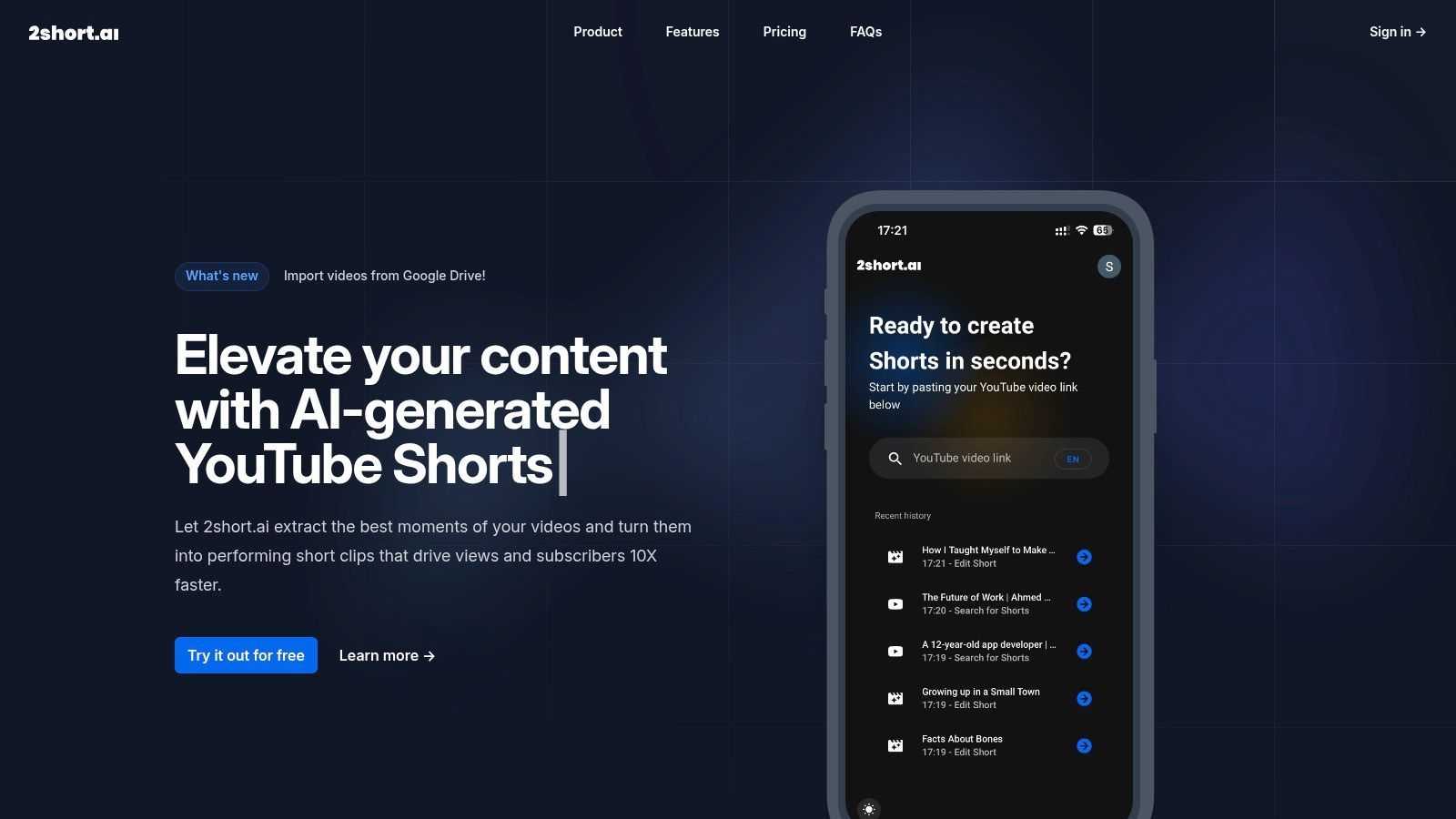
That dependency cuts both ways. No captions means no processing, so a silent gameplay montage or a drone reel isn't a candidate. But when the source is a podcast, commentary track, lecture, or interview, transcript-driven selection tends to respect sentence boundaries better than visual-only heuristics, and face tracking plus animated subtitles handle the vertical conversion.
Editing is lighter than a full editor: brand presets, cropping controls, and format choice across vertical, square, and horizontal. You're adjusting framing and caption presentation, not rebuilding a sequence.
The entry economics are the draw. There's a free plan, the paid entry tier is comparatively inexpensive, paid plans list unlimited high-quality exports, and the entry plan includes Google Drive and public URL imports. That combination suits creators repurposing a backlog. It matches where creators already spend effort: in Findaivideo's 2024 survey of 1,200 creators, 73% identified social media content as their leading use case for AI video tools.
Skip it if your highlights are visual events rather than spoken points.
5. Captions
Captions is a production suite that also clips, not a clipper that grew a few extras.
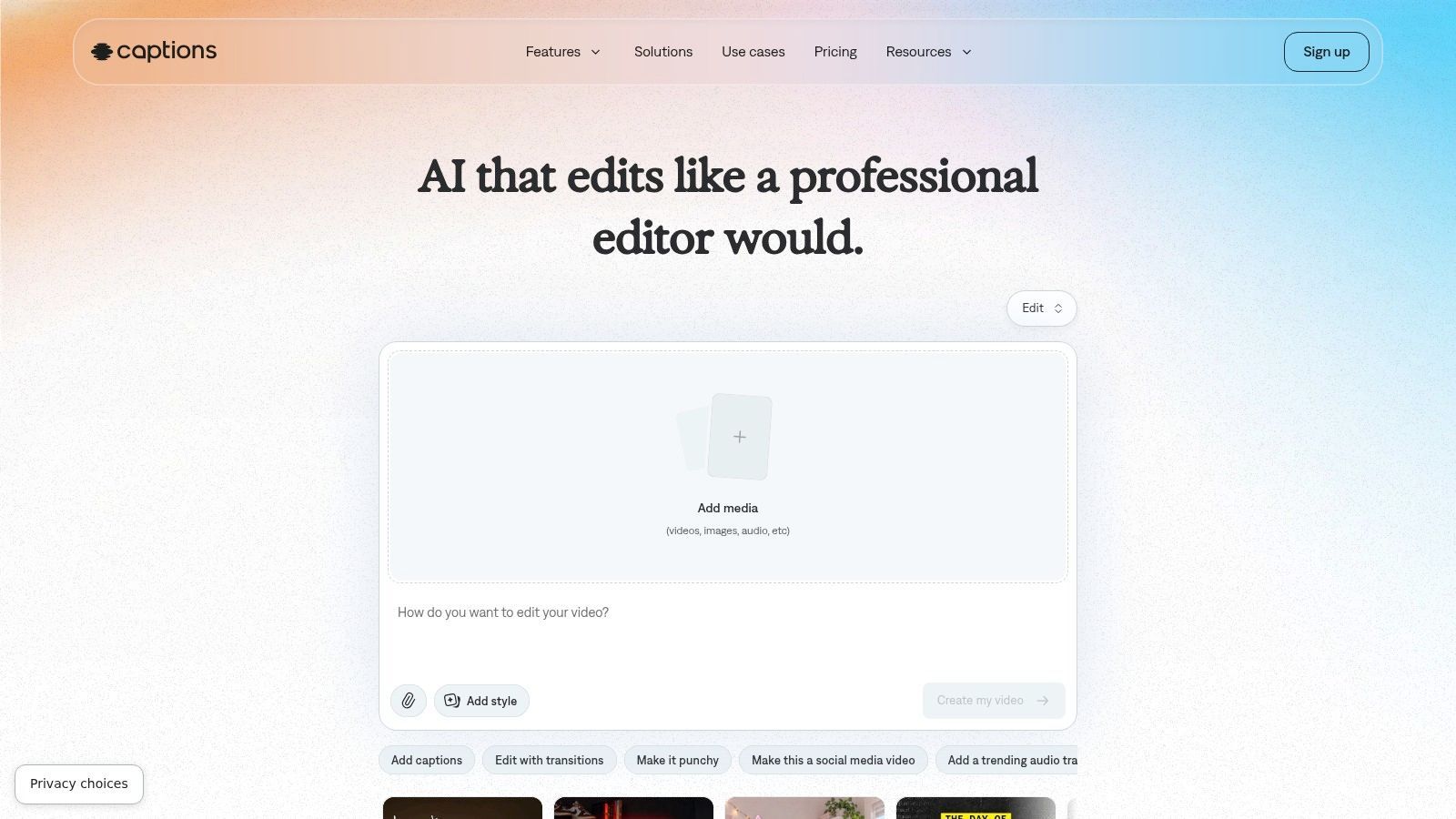
Batch clip creation sits next to AI editing styles, chat-based editing, AI actors, and digital twins. If your team already generates presenter footage or synthetic B-roll, keeping repurposing in the same product removes a handoff. If you only want twelve shorts from a podcast, you're paying for surface area you'll never open.
Two buying details deserve attention. The pricing page specifies iOS plans, and features and packaging vary by platform, so confirm what your desktop or Android users get before rolling it out to a team. Monthly usage runs on credits, and enterprise packaging is custom.
Multilingual output is where I'd slow down. Generated presenters and translated captions can drift from what the speaker said, especially with names, sarcasm, and idiom. A clip that reads fine in the transcript can still misstate a product name or flatten a joke once rendered into another language, and that error ships under your brand.
Review translated captions against the original audio, not against the machine transcript that produced them.
Run any localized batch through an AI video translator check before publishing, and confirm current terms at Captions.
6. Munch Studio
Munch Studio earns its place when the bottleneck is publishing, not cutting.
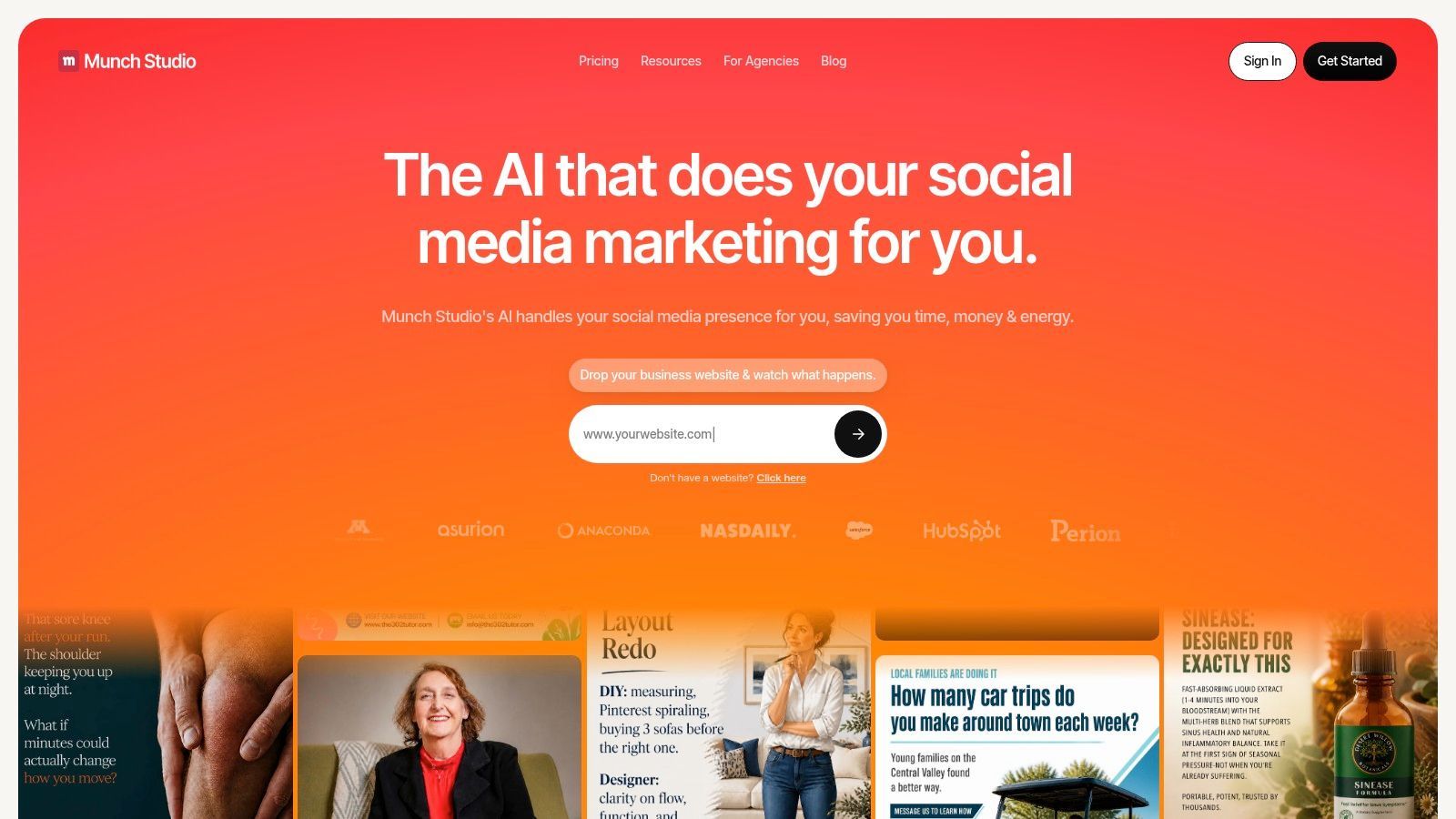
It combines AI clip selection informed by the video content and the target platform with editable subtitles, a scheduling planner, and publishing. Uploads and links both work, including webinar and Zoom-recording workflows, which is the practical case for marketing teams whose source material lives in a meeting platform rather than on YouTube.
The detection detail worth using is the clip coherence score, an attempt to judge whether a segment stands alone. It's the right question to ask, even if you disagree with the answer. Sort by it, then watch the top three in full before anything enters the calendar.
Publishing at scale raises a question most clipping guides skip. YouTube's reused-content policy evaluates clips, compilations, and reactions, and permits them when creators add meaningful commentary, substantive modification, or educational or entertainment value. Generic mass-produced output can be ineligible even when it's technically edited.
- Fits: a small social team turning weekly webinars into scheduled posts.
- Doesn't fit: anyone who just wants files and already schedules elsewhere.
- Verify: minute and feature limits against your real workload, and current prices at checkout on Munch Studio.
7. Riverside Magic Clips
If you already record in Riverside, Magic Clips is the shortest path from session to shareable clip, because the media never leaves the platform.
What you control
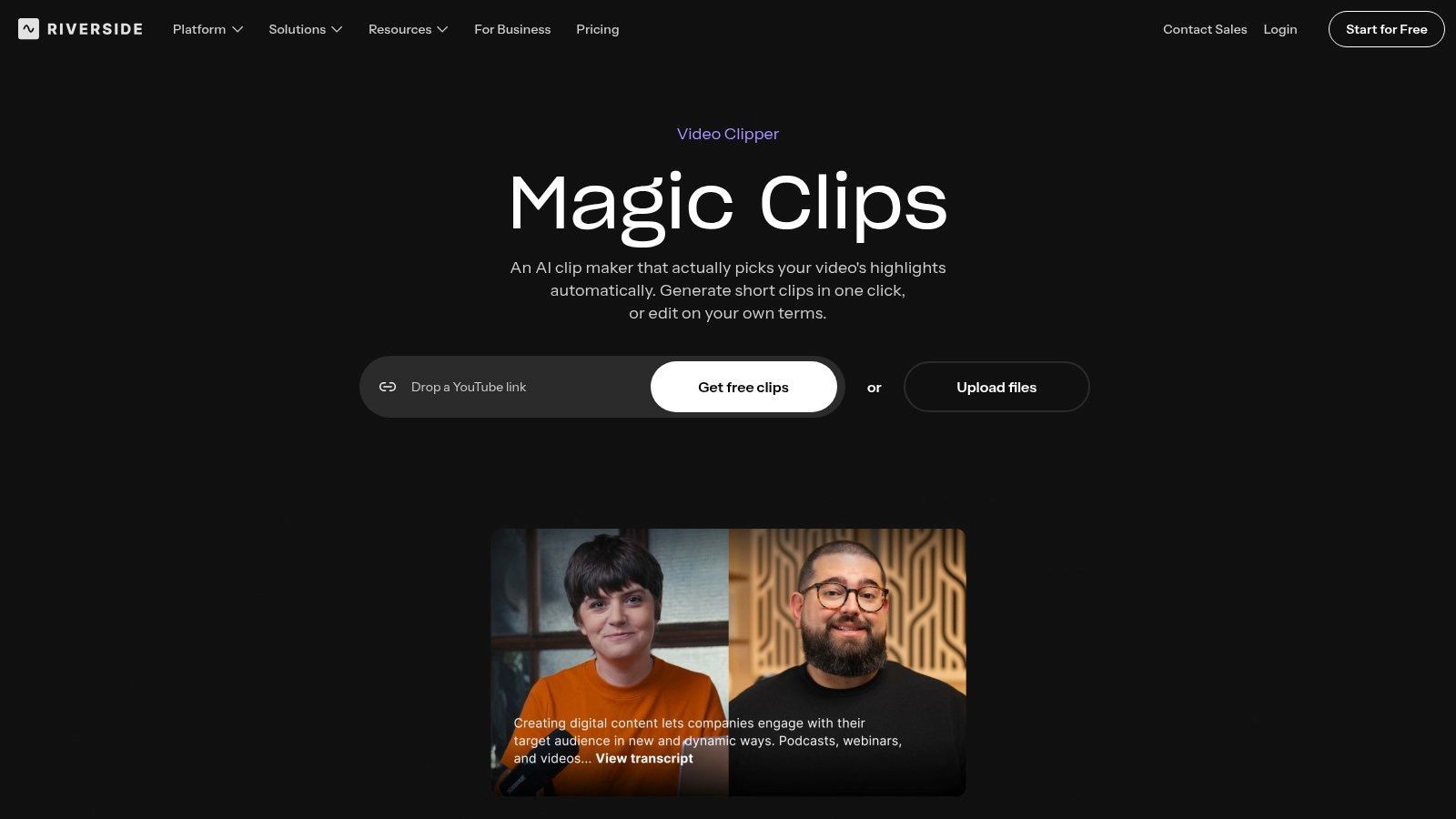
You set topics and clip preferences before generation, then adjust duration, layout, and platform-ready aspect ratios afterward, with editing and brand customization on the results. That topic input is the useful lever for interview teams: point it at the segment theme you want to promote instead of accepting a generic highlight reel.
A free plan exists, though some advanced publishing and team capabilities sit on paid tiers.
The trade-off is gravity. This is a feature inside a recording workflow, not a general-purpose clipper you feed from anywhere. If your media pipeline already lives in another editor or a storage bucket, confirm input and format support before you plan around it, because the convenience disappears the moment you're exporting files just to re-upload them.
I'd recommend Riverside Magic Clips to podcasters who want clips as a by-product of recording. I wouldn't recommend it as the clipping layer for a team with an established post-production pipeline and no reason to move recording.
8. Descript
Descript is the pick when the clip needs surgery, not just approval.
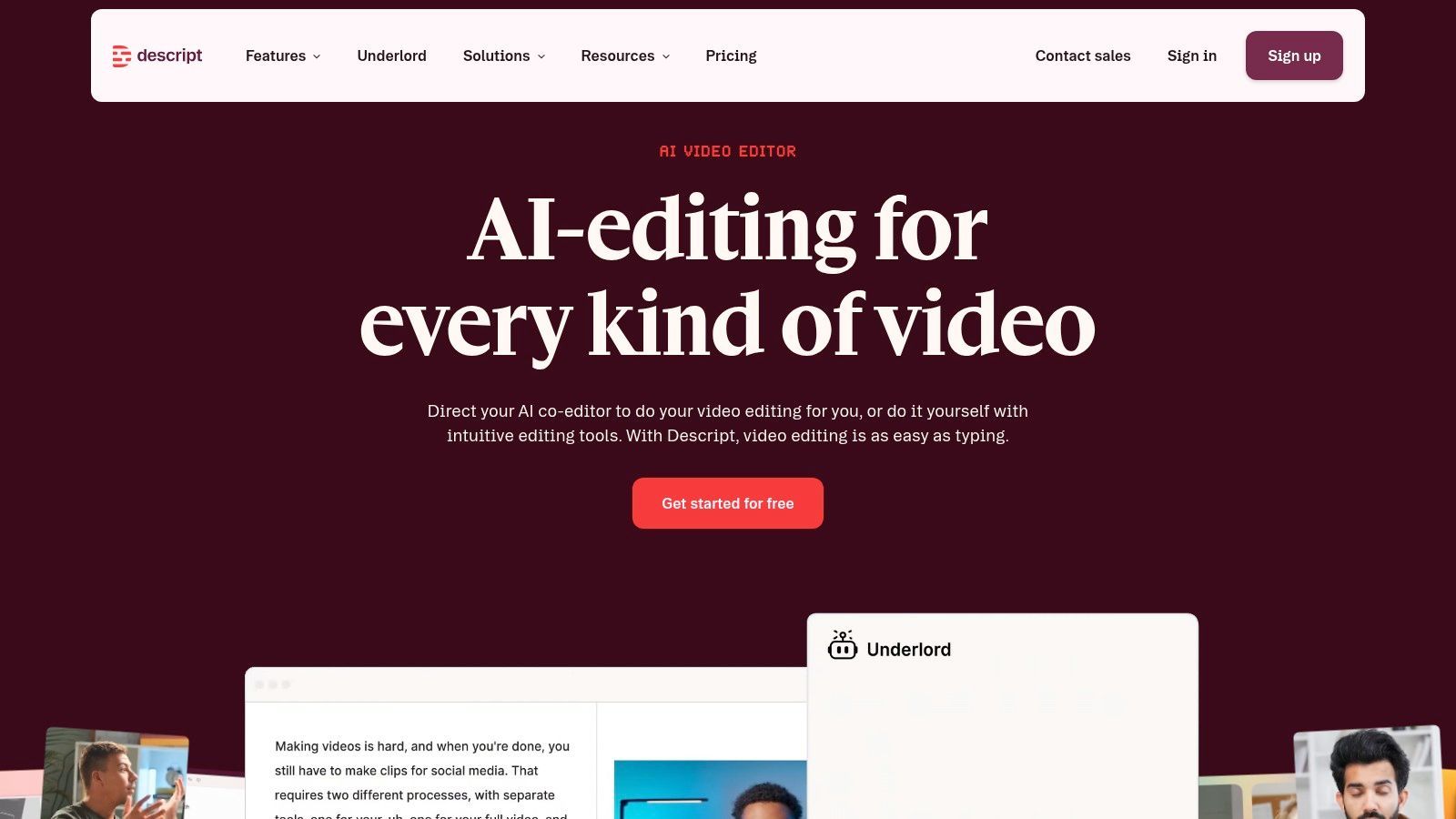
Its AI finds highlights and creates clips, but the reason to use it is transcript-based editing. You delete a sentence from the transcript and it's gone from the timeline, which makes fixing a mid-sentence start a two-second job instead of a scrubbing exercise. Filler-word removal, animated captions, an AI co-editor, and audio cleanup sit in the same place.
Human review isn't optional at current model quality. On the QVHighlight benchmark, the HL-CLIP-2 model achieved 40.00 mean average precision and a 68.99 HIT@1 score, so the top-ranked predicted highlight matched the benchmark target in roughly seven out of ten evaluated cases under that metric (AI Business Weekly's roundup). Keep several candidates and pick yourself.
The cost is complexity. This is a full editing platform, media-hour and AI-credit allowances vary by plan, and a free plan exists mainly to evaluate the editor. For long episodes, pair clipping with an AI video summarizer pass so you know which chapters deserve clips before you generate anything.
Try it at Descript if your podcast workflow already involves rewriting the recording, not just extracting from it.
9. VEED
VEED sits between the dedicated clippers and the full editors, and it's the one I'd suggest to a generalist who refuses to learn a second app.
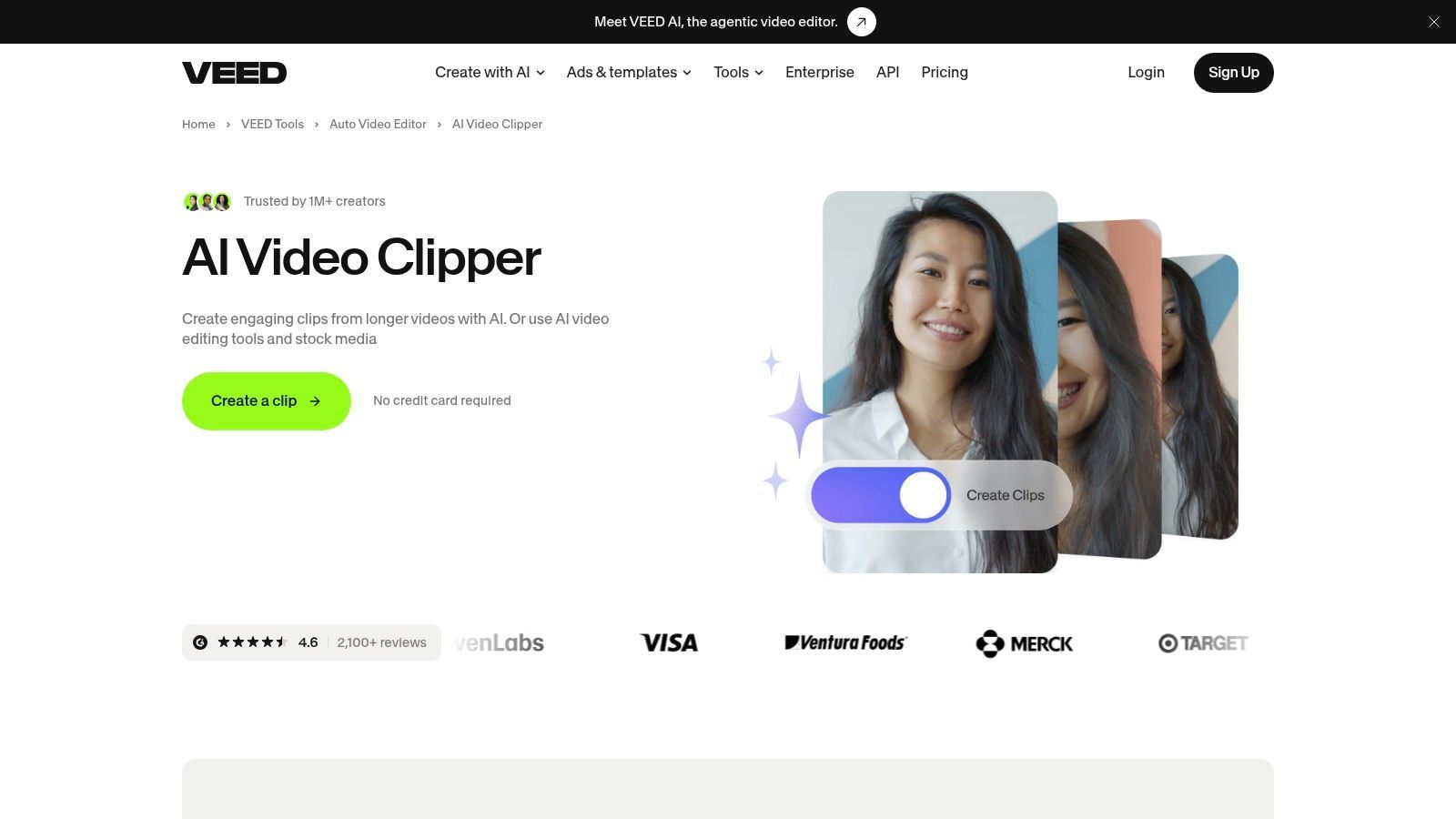
You upload a longer video, configure options such as caption style and clip length, generate, then adjust the results in the same browser editor. That last step is the differentiator. Annotations, caption tooling, and the rest of a general video editor are available on the clip you just made, so adding a lower third or a callout doesn't require an export round trip.
Detection is configurable rather than steerable in the way a prompt-driven tool is. You influence length and presentation more than you influence which moment gets chosen, so plan on rejecting candidates.
The export terms decide whether it works for you. Free exports carry a watermark, and removing it plus enabling higher-quality output requires a paid plan. For internal review that's fine. For client deliverables it isn't.
A watermark on a review cut is a feature. A watermark on a paid ad is a refund request.
Use the VEED AI video clipper when clips need finishing touches, not when you need hundreds of untouched exports a month.
10. quso.ai
quso.ai is the closest thing here to a social content department in one tab.
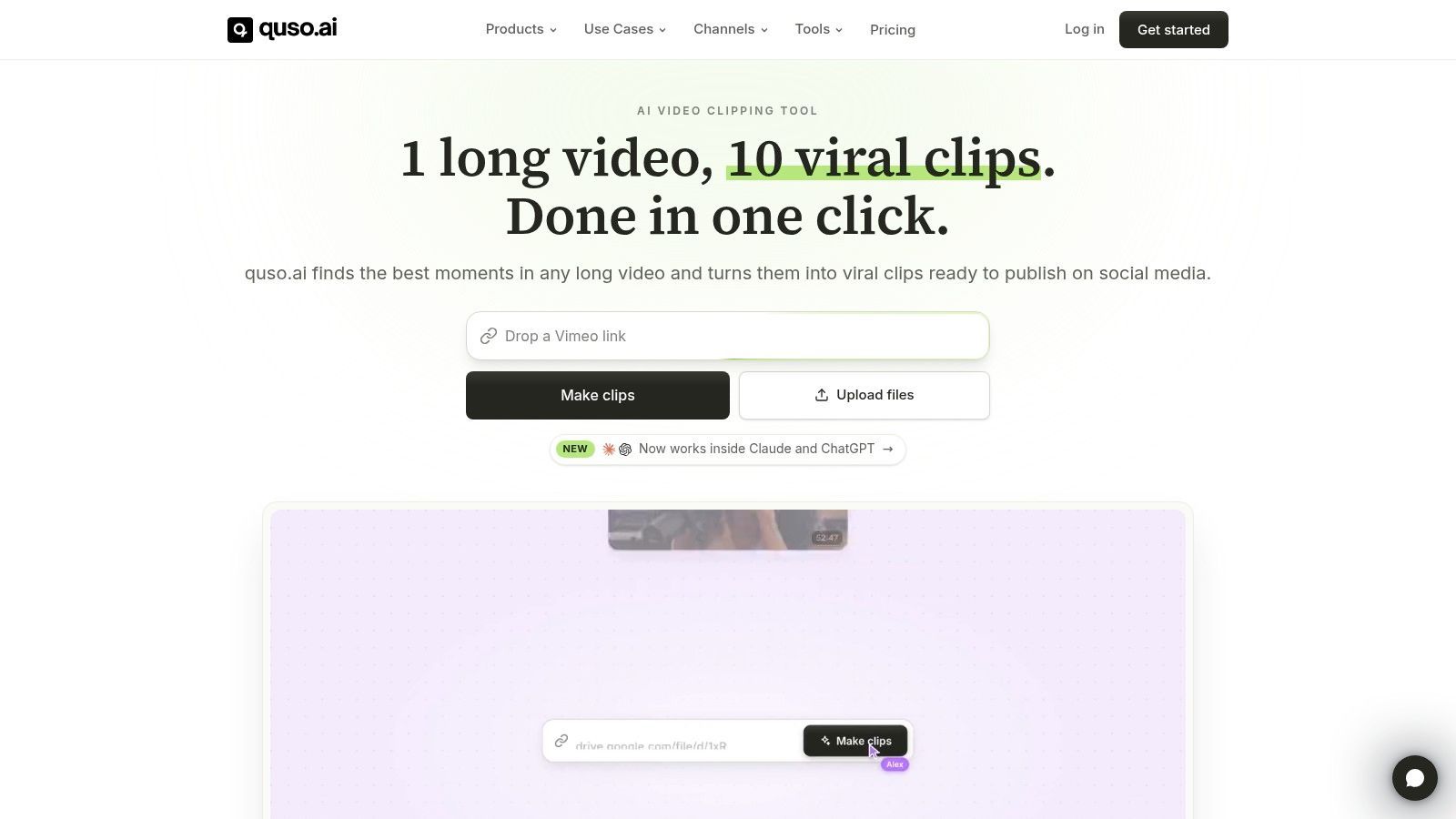
AI clip detection pairs with automatic reframing, animated captions, and filler-word removal, then feeds a content calendar with publishing and scheduling on paid plans. Import flexibility is the practical strength: multiple link sources plus uploads, which suits teams whose recordings are scattered across platforms rather than sitting in one library.
Selection quality follows the same pattern as every other transcript-driven tool. Clean single-speaker audio produces usable boundaries, and crosstalk produces clips you'll re-trim. The filler-word removal helps talking-head footage feel tighter, though it can also strip the natural pause that made a joke land, so listen before you accept it.
- Free tier: a stated monthly allowance, with exports limited to 720p and a watermark.
- Paid tier: publishing and scheduling are enabled, which is the main reason to upgrade.
- Mismatch: a team that only needs MP4 files will pay for calendar features it never opens.
Check the allowance against your actual clip count at quso.ai, and be honest about whether you want a clipper or a publishing platform.
How the 10 AI video clipper tools compare on free access, best fit, and editing depth
Read the rows as three tests: how each tool chooses moments, how much room it gives you after selection, and where the free plan stops being useful. A generous free tier with weak trimming is still a dead end for podcast interviews, while a small export limit can be fine for a team that only needs three shorts per episode.
| Item | Free Option | Best Fit | Editing Depth |
|---|---|---|---|
| OpusClip | Free tier with watermarked clips and limited exports | Creators and marketing teams repurposing long videos | Clip editing, captions, reframing, and publishing |
| Vizard | Free plan for trying the workflow; limited resolution and storage | Teams clipping webinars, interviews, and recordings | Built-in editor for refining clips |
| Klap | One-video trial; downloads and posting unavailable | Creators and developers needing clipping or API integration | Captions, reframing, editing, and scheduling |
| 2short.ai | Free plan available | Creators repurposing spoken-word YouTube videos | Cropping, face tracking, subtitles, and brand presets |
| Captions | Free access for evaluation, with the broader AI toolkit gated on paid tiers | Users wanting clipping alongside broader AI video creation | Broad AI editing, including chat-based tools and digital twins |
| Munch Studio | Evaluation access only; scheduling and publishing are the paid step | Marketers combining clip creation with social scheduling | Subtitle editing, planning, scheduling, and publishing |
| Riverside Magic Clips | Free plan available | Podcasters and interview teams using Riverside | Review, editing, duration and layout controls, and branding |
| Descript | Free plan for evaluating the editor | Podcast and spoken-word creators wanting transcript-based editing | Extensive transcript, audio, and video editing |
| VEED | Free access to try clipping; exports have a watermark | Users wanting browser-based clipping and finishing tools | Automatic clipping plus manual browser editing |
| quso.ai | Free tier with limited, watermarked exports | Teams combining clip creation with social publishing | Reframing, captions, filler-word removal, and scheduling |
The sharpest split is export ceiling against edit room. OpusClip, Vizard, VEED, and quso.ai let you prove selection quality cheaply, but watermarks or caps decide whether the output can ship. Klap is the opposite case: strong for a clipping or API workflow, weak as a try-before-you-buy tool because the trial does not release files. Descript and Riverside make more sense when the recording already lives in their ecosystem and the edit matters more than raw clip volume.
Matching an AI Video Clipper to Your Workflow
Start with the failure point in your current workflow. A podcast team publishing several cuts from one long recording needs fast selection and clean captions, so OpusClip, Klap, or 2short.ai fit that job. A team that rewrites hooks, removes filler, or fixes audio should choose Descript or VEED, where post-selection editing matters more than automatic moment detection. If clips move straight into a publishing calendar, Munch Studio or quso.ai reduce the handoff between editing and scheduling.
Adoption is no longer the differentiator. An independent synthesis reports that 71% of video creators had used AI for generation or editing, with 41% of AI-using creators reporting weekly usage (Mark Studios' research synthesis). The practical difference is the review step around the tool. Check whether each clip has a point, a clean opening and ending, and enough context for someone who has not heard the full recording. If you are repurposing footage you do not own, read the platform's reused-content rules before you scale, and plan an editing workflow for paid social creatives that adds commentary or context rather than cosmetic styling.
Test before you commit, and use one real recording rather than a polished demo. Run the same 60-minute episode through your two shortlisted tools and score three things:
- Moment quality: how many clips start and end on a complete thought without manual trimming.
- Caption accuracy: names, numbers, and jargon, checked against the audio rather than skimmed.
- Export reality: resolution, watermark, storage expiry, and how many minutes or clips your plan allows.
That test matters because the three stages fail differently. A clipper can find a strong moment and still produce an awkward cut. A browser editor can fix the cut but slow down high-volume output. A scheduling tool can publish on time while leaving selection quality untouched. Choose by where your team loses time now, not by which product has the longest feature list.
Teams building clipping into their own product should split sourcing and editing. Coupling them makes a download problem look like a model problem. Vid Kraken provides a REST API with start and end time parameters, so an application can request only the segment it needs and receive the video title and duration at submission. Restricted or unavailable videos return machine-readable error codes instead of silent failures, which lets a queue distinguish a permissions problem from a processing bug.
Vid Kraken handles the sourcing layer behind an AI video clipper: a managed YouTube download API that returns full files or timestamp-cut segments as MP4 or audio, with bot detection, proxies, cookies, and retries managed for you. Pass a start and end time to pull only the excerpt your clipping model needs, choose a specific audio track for dubbed videos with fallback when it is unavailable, and poll job status until a direct HTTPS link is ready. If you are building clipping, transcription, or dubbing into your own product, visit Vid Kraken and wire the sourcing step up before you tune another highlight model.