10 Best AI Video Translator Tools for 2026
Compare 10 AI video translator tools by language coverage, dubbing, subtitles, lip-sync, API access, and real workflow limits.
Dalvo · November 10, 2026
You have one 14-minute product demo, five target markets, and a launch date that has not moved. The Japanese cut needs subtitles a reviewer can correct line by line. The Spanish cut needs a dubbed voice that still sounds like the founder. The German cut needs lip movement that matches the new audio because the presenter fills the frame. Marketing wants every future upload localized automatically through an API.
Those are four different jobs, and no single AI video translator is best at all of them. That is the trap in most comparison lists. They rank tools by the length of the language list, then leave you to discover the transcript editor is read-only or that lip-sync burns minutes you never budgeted.
Translated video is now a mainstream expectation rather than a post-production luxury. YouTube's auto dubbing program runs in 27 languages, and the platform reports that millions of channels use it, according to sync.so's breakdown of the rollout. By May 2026, more than 6 million viewers a day were watching at least 10 minutes of auto-dubbed content, Broadband TV News reported. Your audience has already seen translated video, and they will judge yours against it.
The ten tools below are ordered around the localization job each one handles best. Judge language coverage against your real markets, not the biggest number on a pricing page. Check whether review controls let a native speaker fix terms before audio generation, whether voice preservation survives emotional delivery, and whether lip-sync is included or billed as extra minutes. For automation, API access matters more than a polished editor. The tools worth keeping preserve performances across languages without adding a review bottleneck.
Table of Contents
- 1. Perso Dubbing
- 2. HeyGen
- 3. Rask AI
- 4. ElevenLabs
- 5. Synthesia
- 6. Vozo
- 7. VEED
- 8. Descript
- 9. Kapwing
- 10. Maestra
- How the 10 AI Video Translators Compare
- Pick the Translator That Matches Your Localization Workflow
1. Perso Dubbing
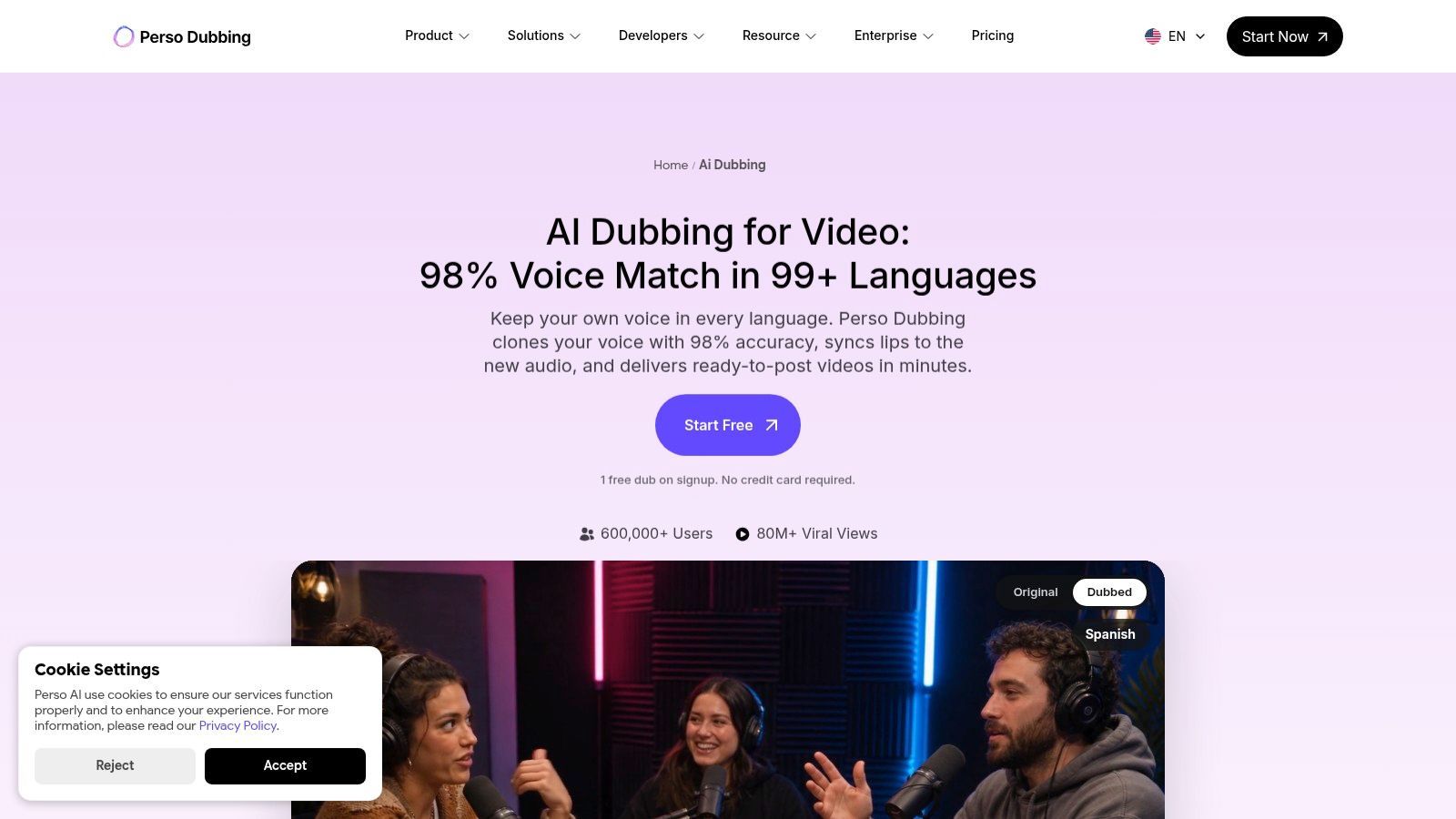
Perso Dubbing takes the first slot because it accepts a YouTube, TikTok, or Google Drive link as the source, so a creator can localize a video without downloading and re-uploading a file first. It bundles translation, voice cloning, lip-sync, subtitles, and an editable transcript in one flow. The vendor says it covers 99+ target languages and detects up to 10 speakers.
The project view is where dubbing, subtitles, and voice settings sit together:
Where It Earns Its Keep
The transcript editor decides whether you ship or redo. You read the target text before generating audio, fix product names, and only then spend minutes on voice and lip movement. Multi-speaker detection matters for interview footage and panel recordings, where a single cloned voice flattens the whole piece into narration.
- Link-based import: paste a URL and start, which removes an entire download step from creator workflows.
- Four outputs, one workspace: dubbed audio, subtitles, cloned voice, and lip-sync rather than four separate tools.
- Trial dub at signup: the vendor offers one free dub, enough to hear your own speaker in a second language.
Consent first: voice cloning is a permission problem before it is a technical one. Recent multilingual video research flags voice ownership and deepfake risk directly, arguing that copying someone's voice requires clear permission and explicit rules on who may authorize it, as set out in this study on multilingual video dubbing.
Two costs to price before you commit. Specialized vocabulary and overlapping dialogue still need human review, and minute or lip-sync charges shift by plan. Check what the YouTube multi-language audio tracks API already exposes on your source upload, since existing dubbed tracks change what you need to generate. Full capability list at Perso Dubbing.
2. HeyGen
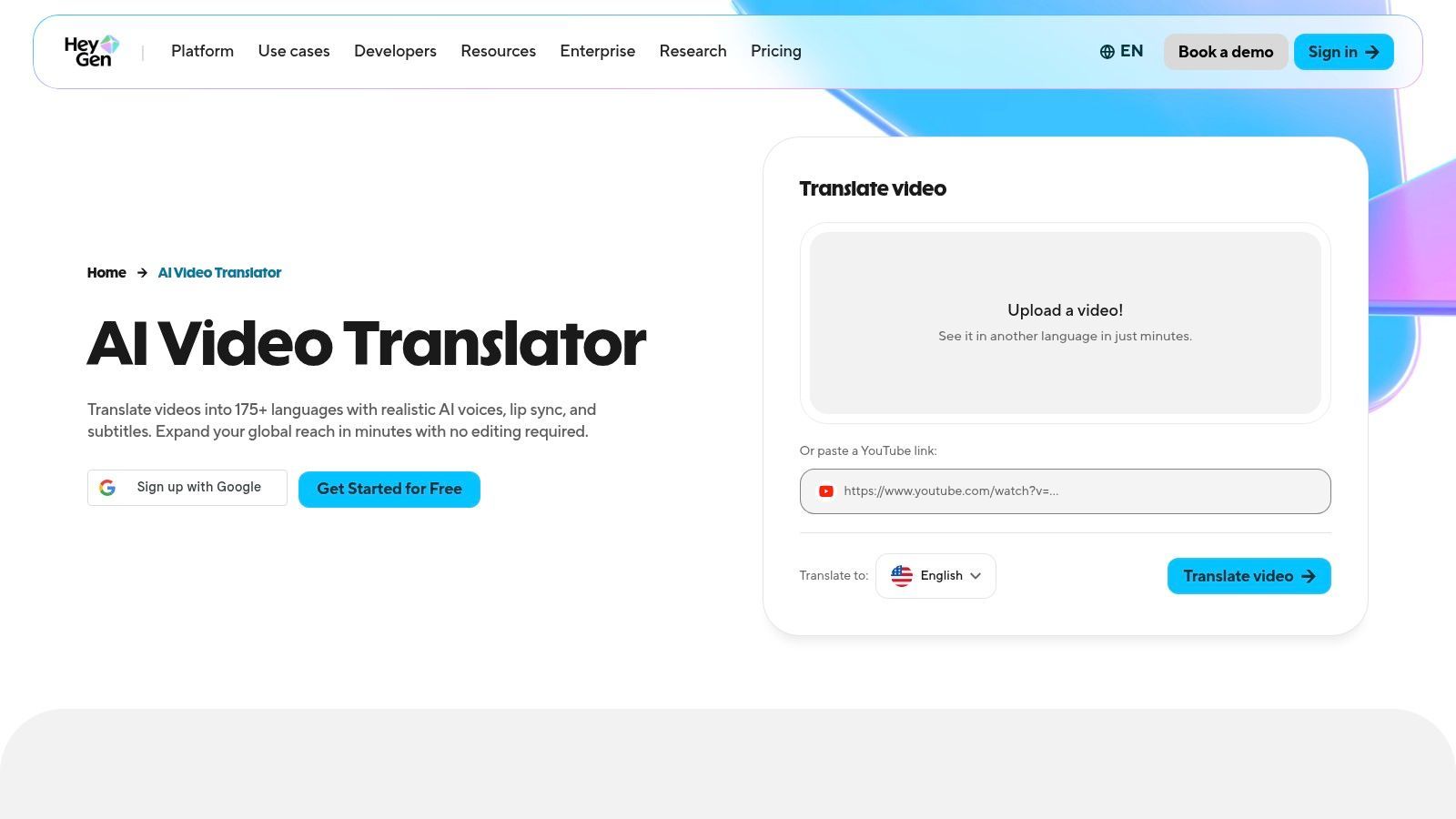
If the source is a person talking to camera, HeyGen is the shortest path from one recording to several language versions that still look like that person speaking. It translates existing footage, including YouTube links, re-voices the speaker while keeping voice identity, and can sync lip movement. You can select up to 10 target languages per job, and eligible plans add script review and editing plus a brand glossary.
Does Lip-Sync Improve the Result by Default?
No. Audio drives the outcome, and the numbers come from audio behaviour. YouTube reports that more than 40% of watch time on videos with dubbed audio comes from viewers selecting a dubbed language, according to YouTube's own product blog. That's a statement about voices, not mouths.
The same blog warns that automatic dubs can contain mispronunciations and errors caused by accents, dialects, and background noise. A synced mouth doesn't rescue a wrong word, and viewers forgive imperfect lip movement faster than they forgive a mispronounced brand name.
- Best on presenter footage: explainers, course intros, founder-led demos, where the face carries the message.
- Watch the source mix: footage should be in a single spoken language, since mixed-language audio trips the translation step.
- Plan for credits: translation volume consumes credits, and feature access changes between plans and translation engines.
For talking-head work, run a two-minute test with the presenter's actual name, the product name, and one acronym before committing a full series.
3. Rask AI
Rask AI is the closest thing on this list to a localization desk rather than a one-click converter. It handles transcription, translation, dubbing, voice cloning, and lip-sync, and it reports 135+ languages. The line-by-line editor is the part that matters, because it lets you adjust translated text, timing, and voice settings before export instead of regenerating the whole file after every fix. An API covers teams automating the queue.
Set Expectations With the Numbers
Dubbing doesn't hold an audience as long as the original performance. PPC Land's report on YouTube's disclosure notes that the average viewing duration of an automatically dubbed version was approximately 75% of the original video's average viewing duration, per PPC Land's summary. Treat that as the practical ceiling, not a failure, and keep the dubbed cut tight.
- Editing before export: fix names, numbers, and timing in the segment editor, then render once.
- API for volume: useful when localization is a production step in your own product rather than a manual task.
- Free trial: three minutes, enough for one honest test clip.
Criticism worth knowing: reviewers report uneven emotional delivery on some material and a cumbersome lip-sync step, and voice-cloning coverage can be narrower than the headline translation count. If you keep reference audio for A/B checks, it helps to pull the original audio as a reference track before translation so you can compare stress and pacing. Details at Rask AI.
4. ElevenLabs
Pick ElevenLabs when the dubbed voice is the deliverable and mouth movement is somebody else's problem. Dubbing Studio covers 90+ languages with voice preservation and localized phrasing in Dubbing v2, and it runs both as a web workflow and as an API. Billing follows source-media duration and target language, which makes cost predictable per language version once you know your runtime.
Why Voice Quality Isn't the Whole Grade
Benchmarks show how much review remains after the model improves. In the MM-MovieDubber benchmark, a multimodal method lifted speaker similarity from 79.81% to 83.30% and lowered word error rate from 26.48% to 24.71%, according to the MM-MovieDubber benchmark results. A word error rate in that range is a transcript pass waiting to happen, however natural the voice sounds.
- Audio-first integrations: the API slots into pipelines where you already control the video layer.
- Predictable pricing math: included dubbing minutes and extra-minute rates are published per plan.
- Credit burn: several language versions of a long video consume credits quickly, so map cost per finished language before launch.
Lip-sync isn't the differentiator here, and pretending otherwise leads teams into a second tool purchase mid-project. Decide up front whether a synced face is required. If it isn't, this is the least fussy route to audio that sounds human. Start at ElevenLabs Dubbing Studio.
5. Synthesia
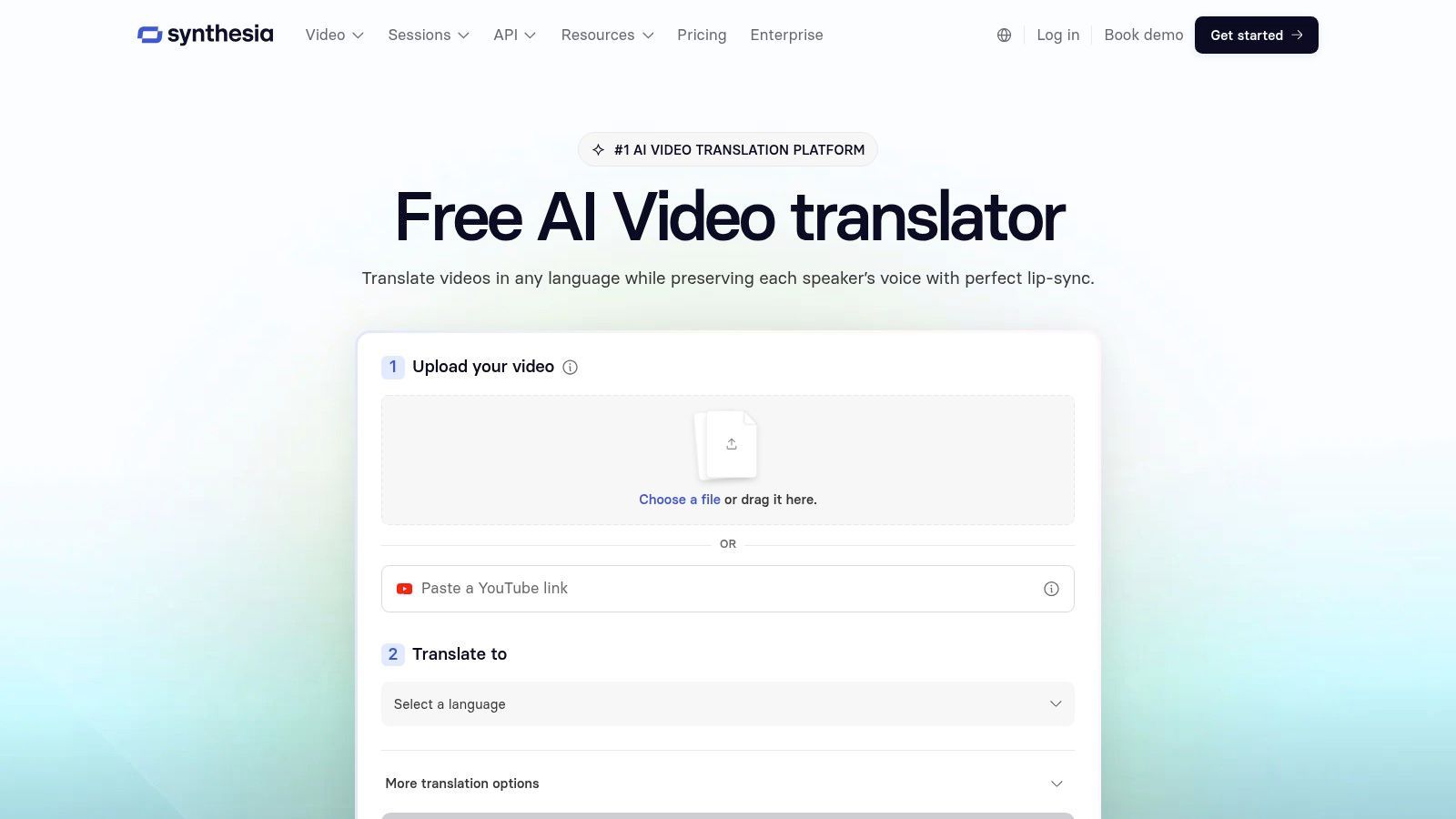
Synthesia serves the teams that make corporate video at volume: training libraries, onboarding modules, internal announcements, compliance refreshers. It dubs uploaded video and YouTube links, translates with AI voices and lip-sync through the dubbing path, and also creates presenter-style video from avatars. API plans exist for dubbing at scale, which matters if localization is a standing requirement rather than a campaign.
Built for Libraries, Not One-Offs
The platform's advantage is consistency. A standardized avatar-led course stays recognizable in every language, and reviewers know what a finished asset looks like. The trade-off is format pressure: footage-heavy projects, documentary cuts, and work that needs external linguists sit awkwardly inside an avatar-first product.
- One vendor for create and localize: useful when you're producing new multilingual content, not just converting old files.
- Enterprise controls: business-oriented permissions and options, plus a limited free plan for evaluation.
- Plan gating: one-click translation and multilingual player features are restricted by tier, so confirm what your plan includes.
A 200-module onboarding library across nine languages is a procurement decision, not a creator purchase. Model credits per minute per language before you sign anything, then add the review hours.
If your job is dubbing only, the avatar and creation features are surplus weight you'll still pay for. Start at Synthesia.
6. Vozo
Some translation jobs were never scoped: the caption burned into a slide deck, the label baked into a product shot, the training video where on-screen text carries half the meaning. Vozo's pitch is range. Translate & Dub sits alongside subtitle translation, on-screen text translation, lip-sync, glossaries, and proofreading, so one vendor covers the edge cases a dub-only tool skips.
Language Counts Versus Language Readiness
A long source-language list only helps if your pair is well served. An industry summary citing the European Language Industry Survey reports that 69% of independent language professionals used machine translation proactively in 2025, up from 58% the year before, while a clinical evaluation found clinically impactful errors in 92% of Somali sections of AI-translated hospital discharge instructions against 7% for Spanish sections, per this collection of AI translation statistics. Same engine, wildly different risk.
- High-resource pairs: an automated first pass is defensible for French, Spanish, or Japanese marketing content with a reviewer behind it.
- Low-resource pairs: budget human review, terminology controls, and confidence thresholds from day one.
- Mixed workloads: confirm how subtitles, dubbing, and lip-sync are each metered before committing; a subtitle-heavy month and a dubbing-heavy month rarely cost the same.
Review controls are the tiebreaker here. Bulk upload, concurrency, glossaries, and proofreading sit on higher tiers, and the per-file duration limit steps up with the plan, so confirm the cap fits your typical file lengths before you pick a tier. Enterprise options run through sales. See Vozo.
7. VEED
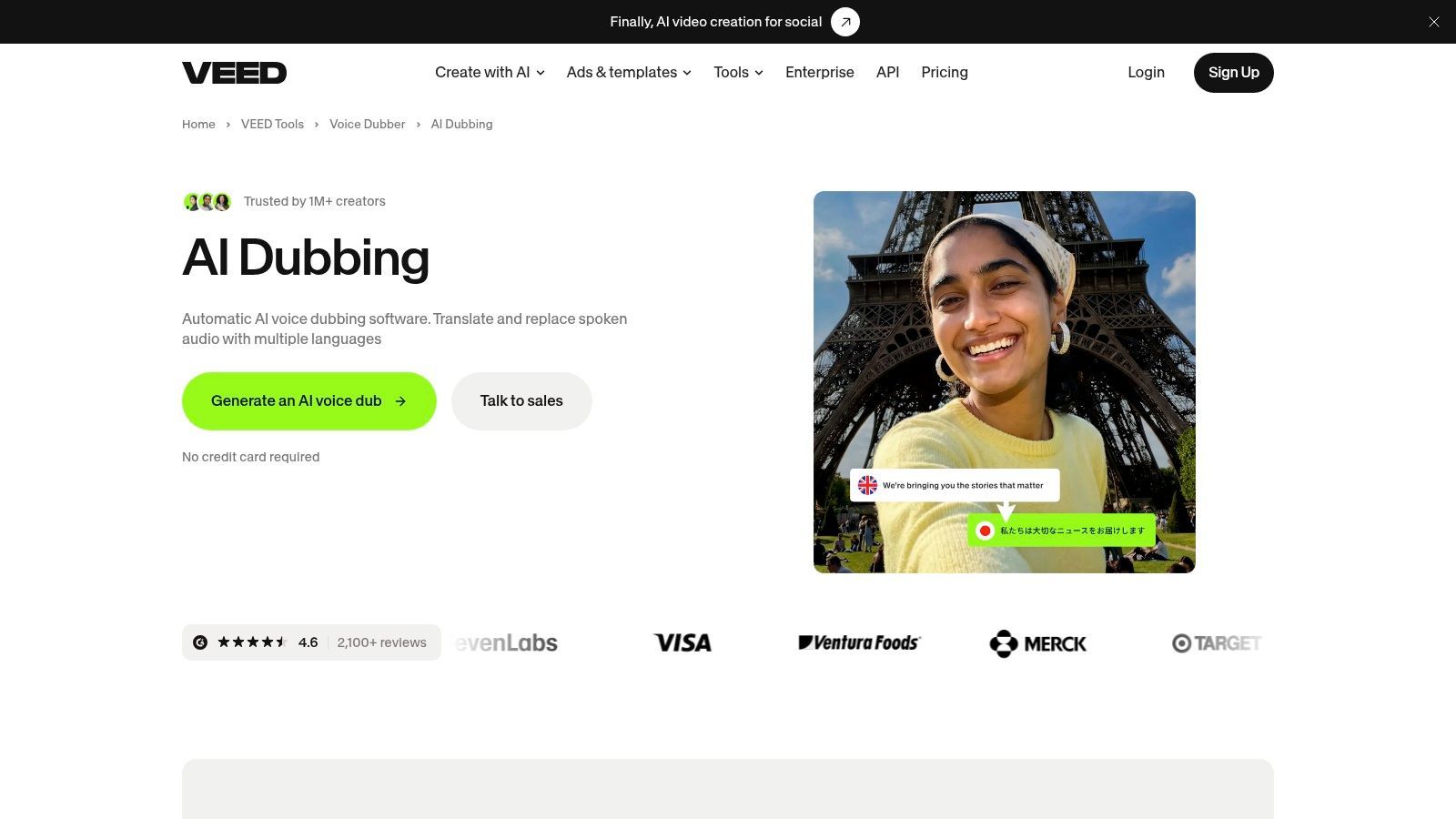
VEED is the pragmatic middle ground: an AI dubber inside a browser editor that a marketing generalist can drive without a tutorial. You translate speech, pick a stock or cloned voice, add subtitles, and optionally apply lip-sync, all in the same tab where you trim and export. A dubbing API ships alongside the editor, so the same workspace covers one-off manual jobs and automated pipelines.
The API Is the Interesting Part
Cost check: usage-based API billing is cheap on a five-minute explainer and expensive on a 90-minute webinar in six languages. Run the arithmetic on your longest asset, not your average one.
The API returns the translated video and bills on usage, so cost scales with the footage you push through it while a product team learns its real volumes. The limits sit elsewhere, mostly in plan tiers and review controls.
- Procurement simplicity: editor seats and API spend come from one vendor on one contract.
- Plan ceilings: free and lower tiers cap dubbing use quickly, so production work needs a paid plan.
- Enterprise-only controls: some proofreading and subtitle-file handling sits behind Enterprise, which matters for broadcast deliverables.
For simple browser dubbing without deep terminology operations, it is the lowest-friction option here. Start at VEED's AI dubbing tool.
8. Descript
Descript treats translation as an extension of text editing. You transcribe the recording, translate the transcript, generate dubbed audio, and then edit media by editing words. For podcast teams and creators who already live in transcripts, that's a shorter path than exporting audio into a separate dubbing tool and reimporting the result.
Transcript-First Editing Has a Failure Mode
Revisions are the strength and the trap. Fixing a mistranslated clause is trivial when it sits in a document, and brand terms can be marked so they stay untranslated. But re-running translation on a language can overwrite the manual corrections you made, so finish the pass before you polish it. Keep a copy of any heavily edited transcript.
- Review in context: captions, dialogue, and dubbed audio live in the same editable surface.
- Voice translation: designed to retain speaker identity rather than swapping in a generic voice.
- Plan dependency: some translation and proofreading features vary by tier, and reviewers describe the interface as confusing in places.
For teams repurposing long interviews, the transcript also feeds downstream work, which is where exporting transcripts from social video becomes part of the same pipeline rather than a separate task. Start at Descript.
9. Kapwing
Kapwing's translation feature lives inside a shared browser workspace, which suits social and campaign teams localizing short content together. You translate, edit subtitles in context, dub with AI voices, clone a voice on the Business plan, apply lip-sync, then trim and format the export in the same place. The free tier lets you try the whole loop before paying.
Credits Decide Your Real Capacity
AI capacity is measured in credits, and different tools consume them at different rates. A team that translates six clips a week is fine on a mid tier. A team localizing an entire campaign in eight languages will hit ceilings mid-project and discover the pricing page only after the deadline. Test the heaviest job you'll realistically run, not the lightest.
- Edit in context: translations are reviewable inside the video, not in a separate spreadsheet.
- Shared workspaces: brand assets and templates travel with the project across team members.
- Mixed feedback: G2 reviews are uneven, including complaints about support and export problems, so keep a fallback export path.
Verify API and MCP support against your actual integration needs before you standardize; the editor is stronger than the automation story. Voice cloning sits on Business. See Kapwing.
10. Maestra
Maestra is two products wearing one brand. Studio handles recorded video: transcription, subtitling, translation, voiceover, and dubbing in 125+ languages, with editable translations and SRT/VTT export. Live covers real-time translation and dubbing for meetings and events. That combination is rare, and it's the reason Maestra closes the list rather than sitting in the middle.
Subtitles, Dubbing, and Events in One Vendor
Pricing and allowances are published, which makes comparison honest work instead of a sales call. Selected paid plans add API access, glossaries, voice cloning, and lip-sync. The catch is that Studio and Live carry separate pricing and allowances, so a team buying for captions and a team buying for conference interpretation are effectively buying from different rate cards.
- Subtitle-first workflows: clean SRT and VTT export makes it easy to hand files to a human reviewer.
- Recorded plus live: useful for organizations running webinars and an on-demand library from the same budget.
- Check the tier: lip-sync isn't included in every plan, and the right tier depends on whether your volume is captions, translation, or dubbing.
If your work is 80% captions and 20% dubbed audio, this is a sensible single vendor. If it's the reverse, price the dubbing tier before you commit. Start at Maestra.
How the 10 AI Video Translators Compare
| Tool | Best workflow fit | Language coverage | Dubbing & lip-sync | Subtitles & editing | API or automation |
|---|---|---|---|---|---|
| Perso Dubbing | Creators importing links or uploaded videos | Vendor says 99+ target languages | Voice cloning, multi-speaker dubbing, and lip-sync | Transcript editing; subtitle and audio exports | Link-based imports; no API specified |
| HeyGen | Presenter videos and explainers | Multiple target languages per job; up to 10 | Voice-preserving re-voicing with optional lip-sync | Captions and script review on eligible plans | YouTube and file imports; no API specified |
| Rask AI | Teams reviewing and editing localized media | Vendor says 135+ languages; coverage varies by feature | Voice cloning and optional lip-sync | Line-by-line text and timing edits | Localization API |
| ElevenLabs | Natural-sounding dubs and production pipelines | Vendor says 90+ languages | Voice preservation; lip-sync is not a main focus | Web dubbing workflow; subtitle editing not specified | Web app and API |
| Synthesia | Training, onboarding, and presenter-style video | Language coverage not specified | Video dubbing with lip-sync; AI avatars also available | Translation workflow; subtitle editing not specified | API plans for dubbing at scale |
| Vozo | Broad video localization in one workspace | 111 source and 165 target languages listed for Translate & Dub | Voice cloning and optional lip-sync | Translated subtitles, on-screen text, and proofreading on higher plans | Bulk uploads and team concurrency on higher plans |
| VEED | Browser-based editing with dubbing | Language coverage not specified | Voice dubbing, cloning, and optional lip-sync | Browser subtitle creation and editing | Dubbing API with usage-based pricing |
| Descript | Transcript-first editing for podcasts and creator content | Language coverage not specified | Dubbed audio designed to retain speaker identity | Transcript-based editing, transcription, and captions | Translation and editing workflow; API not specified |
| Kapwing | In-context translation and browser video editing | Language coverage not specified | AI dubbing and lip-sync; voice cloning on Business plan | Editable subtitles and browser-based video editing | Shared workspaces; API needs should be verified |
| Maestra | Recorded-video localization and live multilingual events | Vendor says 125+ languages for recorded video voiceover | Dubbing; voice cloning and lip-sync on selected plans | Editable translations and SRT/VTT export | API on selected paid plans; separate live-event tools |
Pick the Translator That Matches Your Localization Workflow
Choosing well is a sequence, not a hunt for the longest feature list.
Name the core job. Subtitles only, dubbed audio, presenter lip-sync, or an automated queue behind an API. Each answer eliminates most of this list. A captioning job doesn't need lip-sync credits, and an API pipeline doesn't need a browser editor.
Check coverage against your actual markets. If you ship in Spanish, Portuguese, and Japanese, the difference between 90 and 165 languages is irrelevant marketing. What matters is whether your three target languages have strong voice options, correct number and date handling, and a reviewer in the loop.
Run one real clip. Take two minutes of your worst footage: a product name, an acronym, a number, and two people talking over each other. Judge the transcript first, the voice second, the lip-sync last. If the transcript needs twenty corrections in two minutes, the render quality won't save it.
Price the finished minute. Translate the plan into cost per language version, including regeneration after review and any lip-sync surcharge. The cheapest entry tier rarely predicts the cost of a finished library.
Inspect the review controls. Glossary, speaker assignment, segment editing, and export formats decide how much of the work your team can correct.
Ignore market-size figures while you're choosing. One analysis valued global AI video translation at $2.68 billion in 2024 and projected $33.4 billion by 2034, per this AI video translation market guide, while Mordor Intelligence put AI dubbing for OTT at USD 0.53 billion in 2025 and Astute Analytica put the wider AI dubbing and localization market at USD 600.8 million in the same year. The spread tells you definitions differ, not which tool fits your deadline. For a second opinion ranked by workflow rather than language count, compare AI translation tools on the same criteria.
One bottleneck sits upstream of every tool here: getting clean source video and the right audio track into the pipeline. Vid Kraken is a YouTube download API for that step, returning MP4 or audio files, cutting clips by timestamp, and selecting a specific audio track by language when a dubbed version already exists. It doesn't translate anything. Run a short pilot, one clip per target language, before you scale either the tool or the pipeline.
Vid Kraken handles the YouTube side of a localization pipeline: it downloads source video as MP4 or audio and can pull a specific dubbed audio track by language when one already exists, with fallback to another track or the original audio. Bot checks, proxies, cookies, and retries are managed for you, so your team builds the translation layer instead of the download layer. Visit Vid Kraken to run one clip through your own pipeline and see where it fits.