10 AI Video Summarizer Tools Compared for 2026
Compare 10 AI video summarizer tools by features, inputs, and output formats, with honest limits for YouTube links, file uploads, and study workflows.
Dalvo · November 6, 2026
You're researching a topic with a two-hour lecture open in one tab and a 40-minute panel recording waiting in your downloads folder. Both need to become usable notes before the end of the day. You paste the lecture link into a summarizer, then discover it won't accept the panel file. Another tool accepts the recording but returns a polished paragraph without timestamps, so you're back to scrubbing the timeline.
The important difference between AI video summarizer tools isn't just how well they compress speech. It's what they accept and what they return. A YouTube extension, a transcript extractor, and an upload-based study assistant solve different problems, even when their landing pages promise similar results.
For YouTube-specific setup, Zemith's YouTube summary guide provides additional context. For the actual choice, start with these groups:
- YouTube-focused tools: Eightify, Glasp, summarize.tech, and Monica suit link-based research and viewing.
- Mixed-input tools: NoteGPT, WayinVideo, Mindgrasp, and ScreenApp accommodate broader study or media workflows.
- Transcript-first workspaces: Notta and Tactiq make more sense when recordings, searchable records, and exact wording matter.
These aren't interchangeable categories. Choose the wrong input workflow and you'll spend more time moving files than reviewing summaries. Choose the wrong output and you'll have to reconstruct the evidence yourself.
Table of Contents
- 1. Eightify
- 2. NoteGPT
- 3. Glasp
- 4. summarize.tech
- 5. Monica
- 6. WayinVideo
- 7. Notta
- 8. Mindgrasp
- 9. Tactiq
- 10. ScreenApp
- How the 10 AI video summarizer tools compare by input, output, and best fit
- Matching an AI Video Summarizer to Your Actual Workflow
1. Eightify
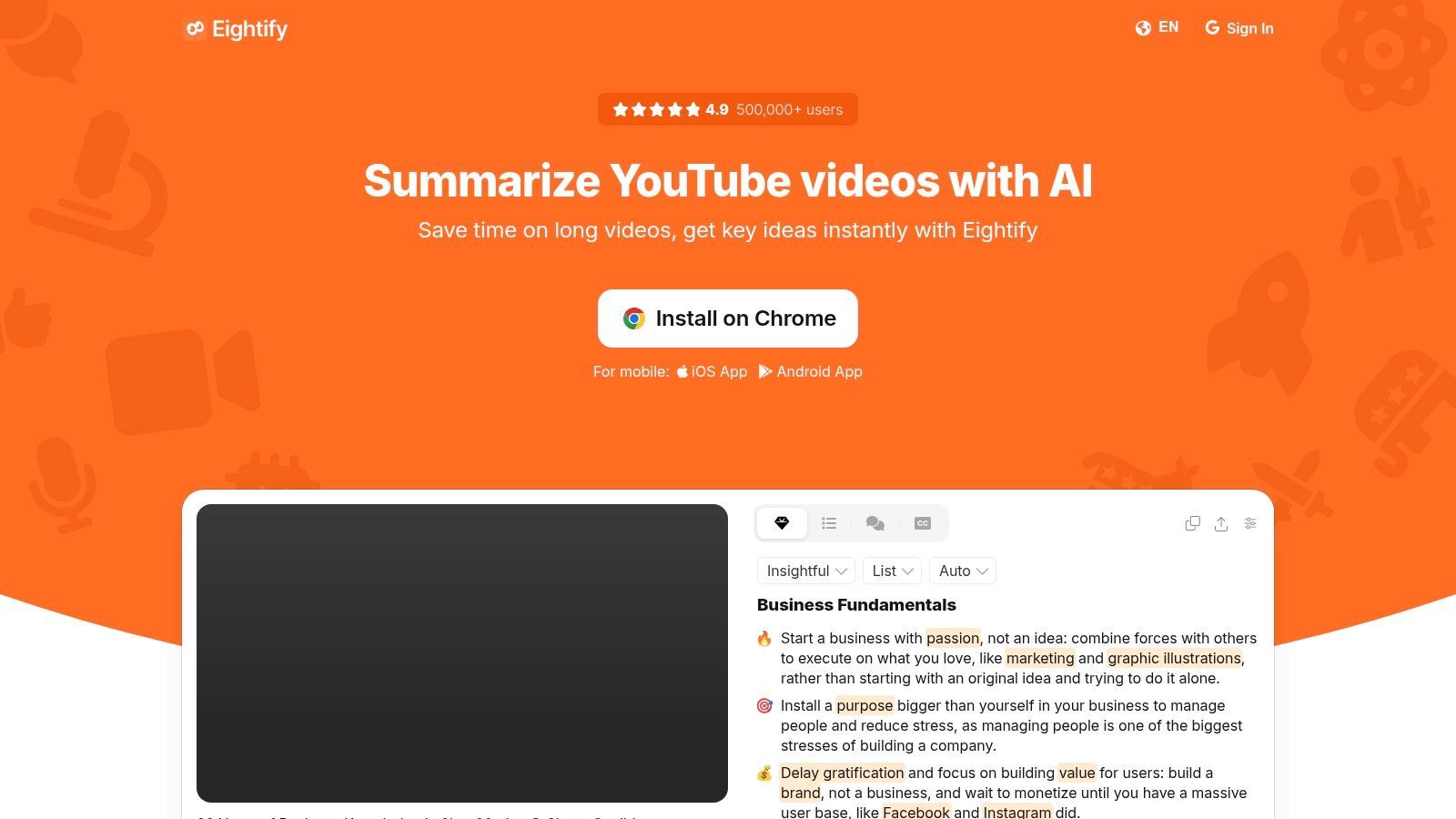
Best fit: YouTube links into short, timestamped takeaways. Eightify places summaries and key insights alongside YouTube videos, so it suits the first pass on a tutorial, interview, or news discussion. You get a quick read on whether the video deserves closer attention.
Its practical advantage is proximity to the source. Read a point, jump to the matching moment, and check what the speaker said without opening a separate research workspace. Adjustable summary length, format, and focus let you move between a quick preview and a more detailed review.
The input is the constraint. Eightify handles YouTube links, not local recordings, so downloaded conference sessions and internal meeting files need a different route. That distinction matters when your research folder mixes public links with files.
- Useful output: Timestamped points give you a place to inspect a recommendation or qualification.
- Main limitation: A transcript-led summary can miss what a presenter demonstrates without describing it aloud.
- Plan check: Confirm paid access requirements and usage allowances before you queue a backlog.
For triage across several candidate videos, Eightify is a sensible starting point. Don't rely on the summary alone to reproduce a technical procedure. Open the relevant timestamp and inspect the screen when the presenter changes settings, edits code, or demonstrates a physical task.
2. NoteGPT
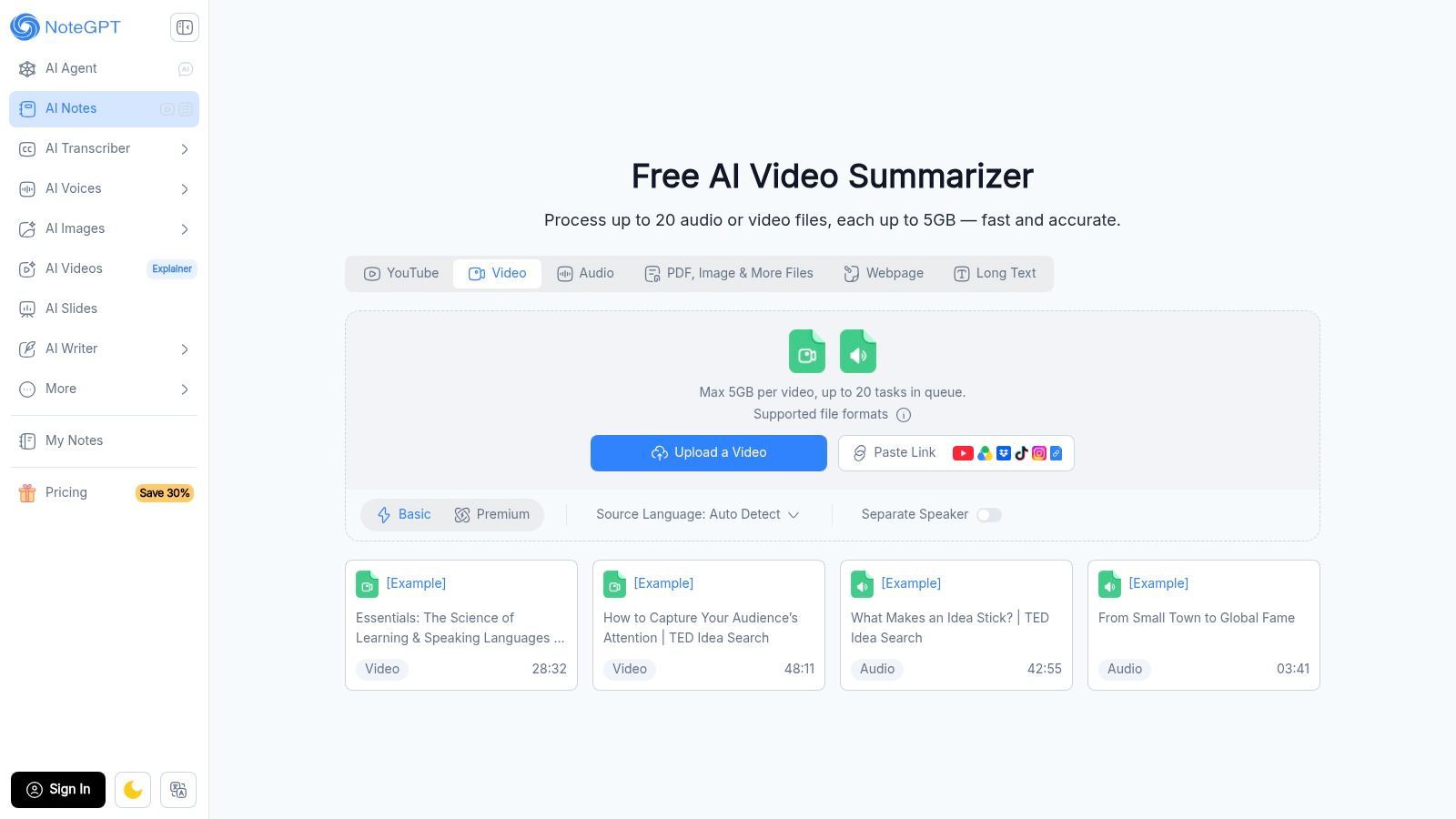
A lecture summary isn't necessarily a useful set of study notes. NoteGPT is more relevant when you need summaries, transcripts, and generated notes, with video and audio file workflows beyond a simple YouTube extension.
That distinction matters for a mixed research folder. A public lecture and an audio recording may belong to the same project, even though they arrive through different routes. NoteGPT's broader learning features make it worth considering when you want to review the material rather than merely decide whether to watch it.
Check the specific import route
Support for an input type doesn't guarantee identical allowances across every tool or subscription tier. Confirm that the feature you intend to use accepts your file, and inspect the applicable file-size and usage limits before committing.
For permitted YouTube audio workflows, this YouTube audio downloader guide explains the acquisition step. Obtaining audio and producing useful notes remain separate operations.
Practical rule: Test the exact input you'll use repeatedly, not whichever sample is easiest to import.
NoteGPT offers a free-entry option, but its breadth can also add friction. If you only need a short YouTube recap, a focused extension may require fewer decisions. If you need reusable learning material from different sources, that additional interface complexity has a clearer purpose.
3. Glasp
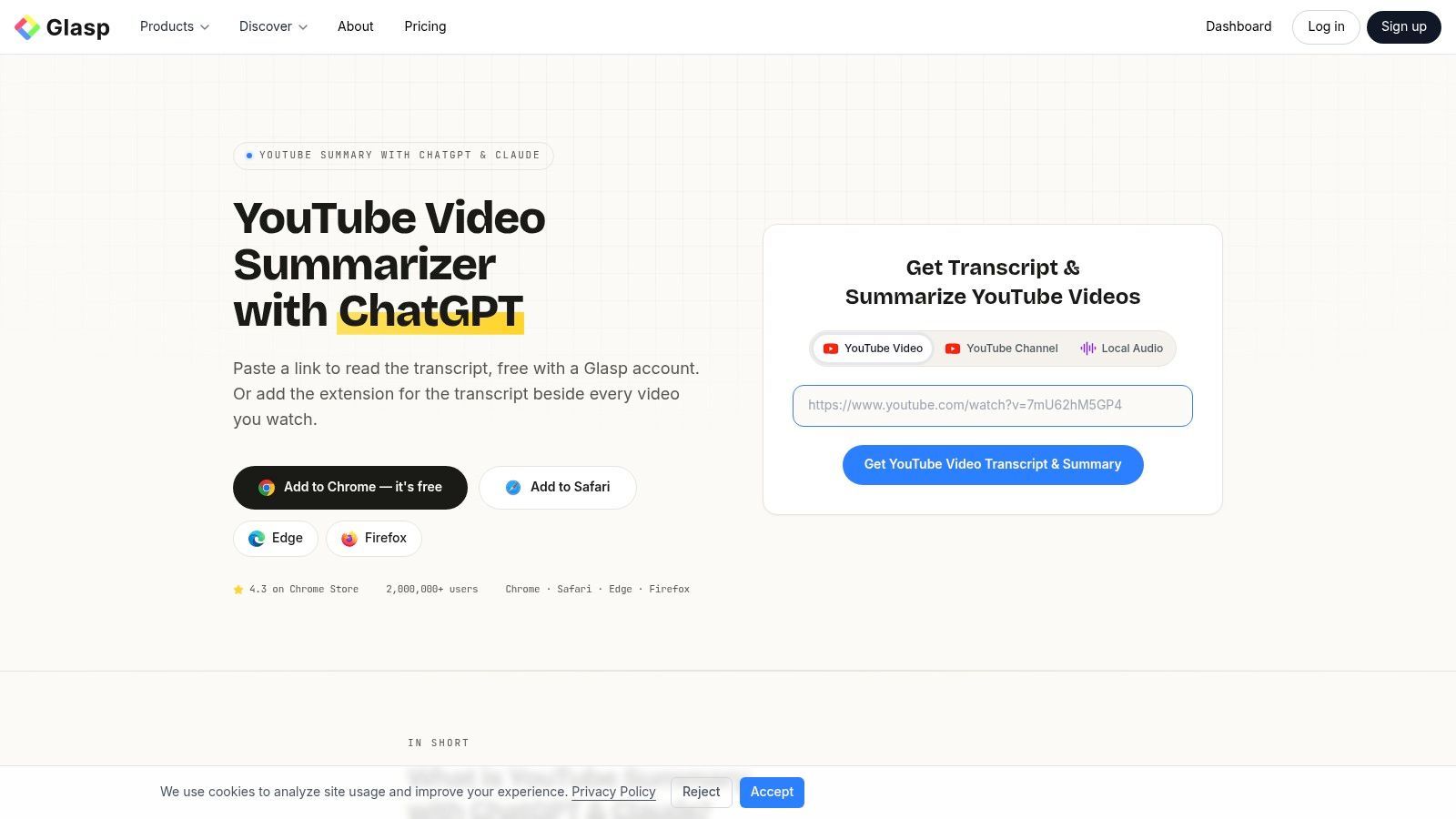
Choose Glasp when the notes need somewhere to go. Glasp's YouTube summarizer combines summaries with full transcripts, clickable timestamps, highlighting, and note-taking. Its export options include Markdown, Notion, and Obsidian.
For a researcher maintaining a knowledge base, exportability can matter more than a particularly elegant opening paragraph. A summary trapped inside a browser panel requires another manual step before colleagues can search, annotate, or reuse it. Glasp is a stronger fit when videos sit alongside articles and PDFs in your research process.
- Input fit: YouTube for video research, with separate support for articles and PDFs.
- Output fit: Summaries, timestamped transcripts, highlights, and reusable notes.
- Workflow cost: Account requirements, free-use limits, and extension or AI-chat setup can add friction.
Preserve evidence during export
Keep the video title, original link, and relevant timestamps with exported notes. Otherwise, a useful observation becomes an unattributed statement once it reaches your knowledge base.
Glasp's transcript access helps when you need to distinguish a speaker's wording from an AI paraphrase. It doesn't make visual-only information available automatically. For a tutorial built around diagrams or silent screen actions, review the source before treating exported notes as complete instructions.
I'd favor Glasp over a summary-only tool when retrieval and reuse are the requirements.
4. summarize.tech
summarize.tech takes the direct route: paste a YouTube URL and get a summary. That simplicity suits occasional reviews of lectures, public meetings, and recorded events when installing an extension or organizing a workspace would be unnecessary overhead.
Its strength is a narrow workflow. You're not choosing it for a large collection of study tools, meeting features, or note destinations. You're choosing it because you have a public video and want a readable overview.
Good for screening, less suitable for a media pipeline
A browser-based URL form can help a researcher assess a candidate source. It's a different proposition from integrating ingestion, transcription, and summarization into a software product.
- Works well for: Previewing a long YouTube discussion before watching relevant passages.
- Less suitable for: Local video uploads or workflows that require rich transcript handling and exports.
- Check before subscribing: Current premium terms and usage limits on the website.
For engineering teams, keep metadata handling separate from summary generation. A YouTube metadata API workflow can help establish the source record before downstream processing.
When reviewing a public meeting, look for more than the headline outcome. Check whether the summary preserves conditions, objections, and unresolved decisions. A concise recap that removes those distinctions may be readable but unsuitable for a policy brief or decision log.
5. Monica
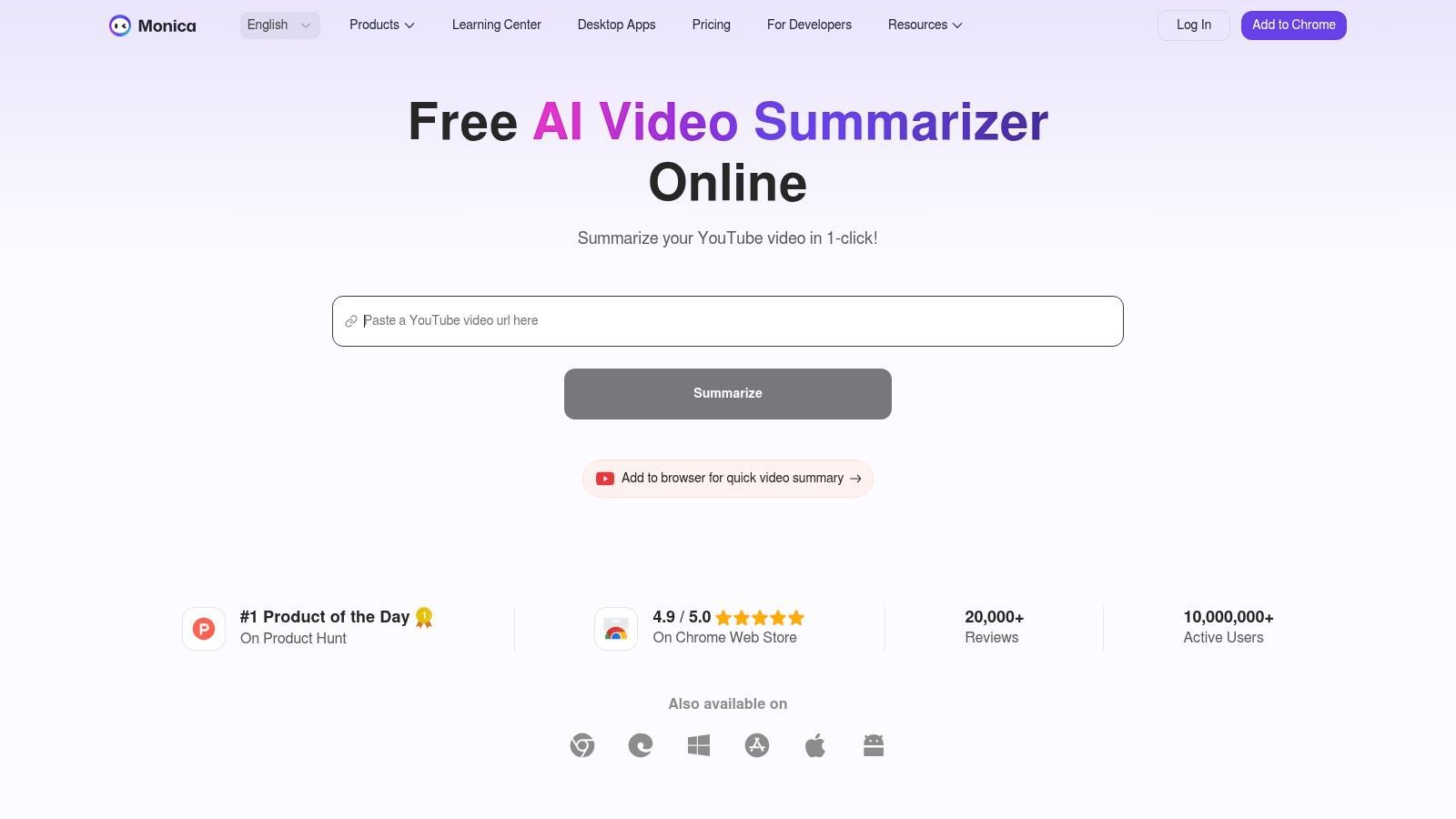
Sometimes the useful output isn't another paragraph. Monica's video summarizer offers timestamped summaries, mind maps, and follow-up questions, making it relevant when you want to explore a lecture's topic structure.
A mind map can help separate a central argument from supporting concepts. Follow-up chat is useful for asking which assumptions a speaker makes or where they discuss an alternative. Neither output should be treated as evidence unless you can reconnect it to the video.
Use the map for orientation
Monica is part of a broader assistant available across browser, desktop, and mobile products. That may be convenient if you already want an assistant across those environments, but it's more product than a dedicated summary box.
Its video product page primarily describes YouTube use. Don't infer support for arbitrary local recordings from the broader assistant's capabilities.
A mind map shows relationships. It doesn't prove that the speaker made those relationships explicit.
For a technical lecture, ask follow-up questions about prerequisites, exceptions, and dependencies rather than requesting another general recap. Then verify the answers against the relevant timestamps.
Check free-use restrictions for video length or summary count before relying on it for routine work. Treat vendor accuracy language as a product claim, not as an independent comparison against other AI video summarizer tools.
6. WayinVideo
A panel file and a YouTube lecture belong in the same project. WayinVideo is a candidate for that situation because it accepts video uploads and links from YouTube and other platforms.
Its outputs span an overview, topic timeline, timestamped key points, transcript, and mind map. Follow-up chat, translation, and export options give you different ways to review the same source, although availability depends on the plan and processing options.
- Overview: Useful for deciding whether the recording addresses your question.
- Timeline: Better for locating a topic or tracing a discussion.
- Transcript: Necessary when you need to inspect terminology or recover a qualification.
- Export: Useful for sharing reviewed material outside the tool.
Test sequence, not just coverage
Long-video understanding involves more than finding relevant sentences. LVBench reports 94.4% average accuracy for humans versus 67.4% for the strongest evaluated model across its long-video understanding tasks, not a benchmark score for WayinVideo.
For your own evaluation, check whether the output preserves a later correction to an earlier claim. Ask whether a timeline distinguishes a proposal from the final decision.
WayinVideo's flexible inputs are attractive for mixed-media work, but credit-based usage can complicate cost forecasting. Confirm export access and visual-analysis availability for your intended workflow rather than assuming every output uses every part of the video.
7. Notta
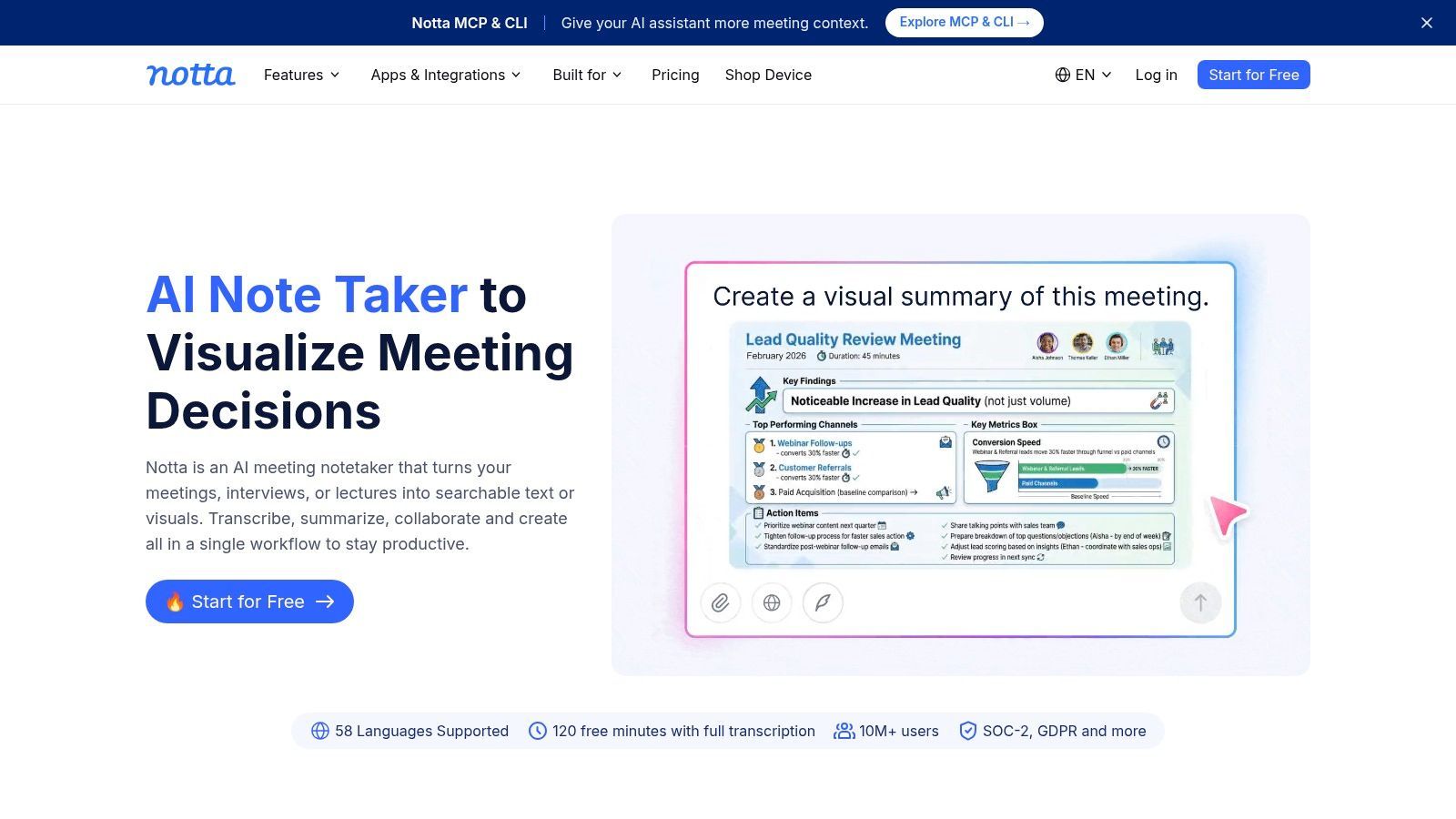
If your team already organizes recordings as transcripts and meeting notes, a standalone YouTube summary can create another disconnected record. Notta combines a broader transcription workspace with a Chrome extension that displays YouTube summaries in a side panel.
The useful distinction is persistence. Transcript and summary records are saved to a workspace, so you can return to the source material instead of copying a temporary browser response into another document.
Caption availability is a hard dependency
Notta's YouTube summary feature requires available captions, and the summary language must match the video's language. The feature is available across its plans but consumes AI Notes credits, so availability doesn't mean unrestricted use.
- Best fit: Teams maintaining searchable transcripts alongside meeting and research notes.
- Main constraint: Caption-dependent YouTube imports can fail before summary quality becomes relevant.
- Review priority: Check technical terms, names, and speaker changes in the underlying transcript.
For cross-platform work, an Instagram video transcript workflow illustrates why acquisition and transcription need their own handling. Don't assume a YouTube extension supports another platform through the same route.
I'd consider Notta when the workspace is the main attraction. For an isolated public-video summary, saving everything into a transcription platform may add organization you don't need.
8. Mindgrasp
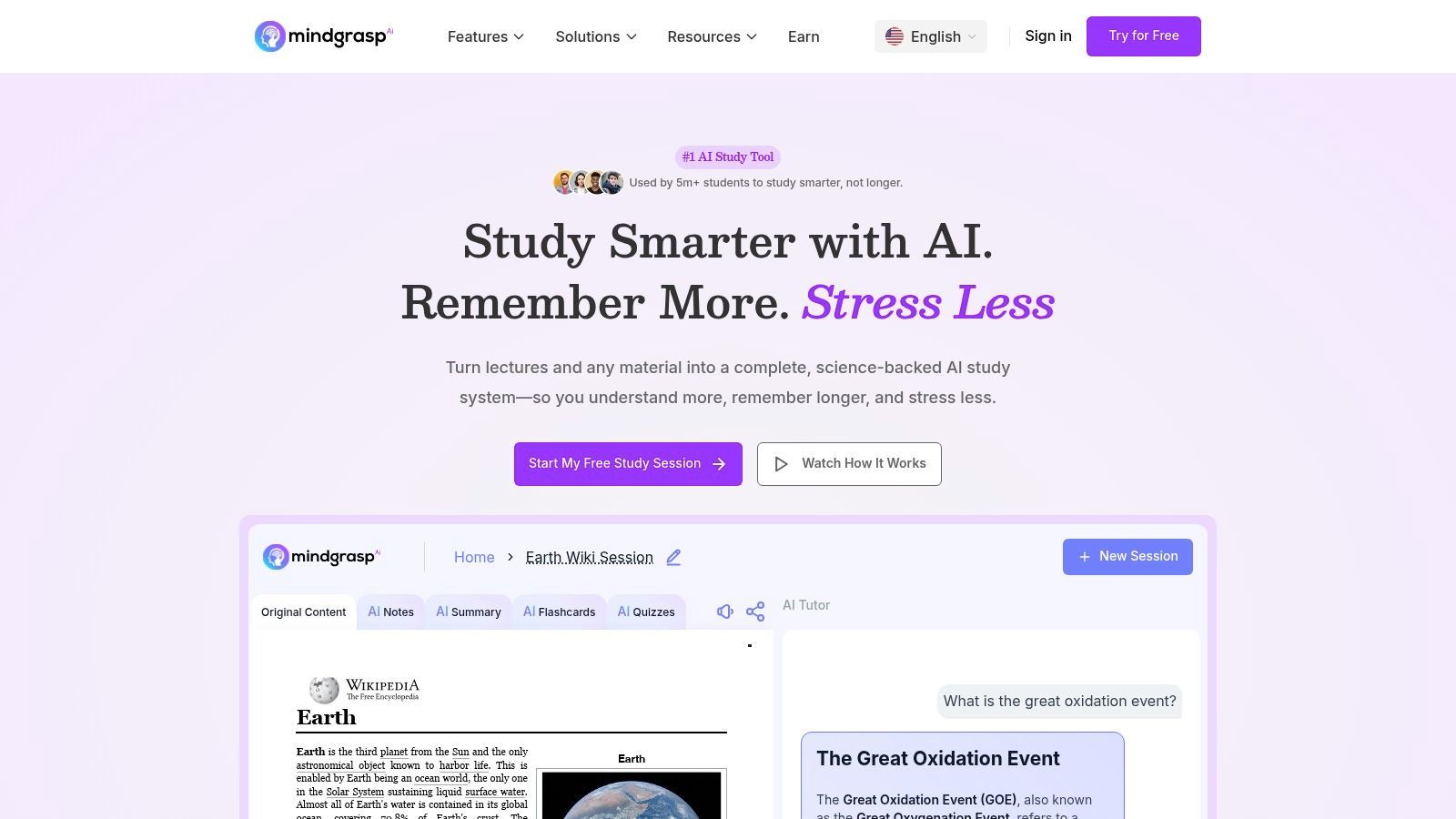
Mindgrasp is better understood as a study assistant that includes video summarization. It supports YouTube videos and other learning materials, with notes, questions and answers, flashcards, quizzes, and a library for organizing sources.
That makes it a different choice from a browser tool used to screen a podcast. If the goal is learning a procedure or preparing for an assessment, producing review material can be more useful than making the summary shorter.
A controlled study of AI-generated video summaries involving 60 participants found that students given summaries watched an average of 2.9 minutes of a 15-minute video, compared with 9.1 minutes for the video-only group. That finding concerns summary-assisted viewing behavior, not Mindgrasp's effectiveness.
Make recall part of the workflow
Use the generated notes to identify what you should learn, then attempt questions before reopening the source. Check incorrect answers against the lecture rather than asking the assistant to explain its own answer repeatedly.
- Good fit: Structured revision across videos and other study inputs.
- Potential excess: Flashcards and quizzes add little value to a quick relevance check.
- Subscription detail: Confirm trial terms, billing, and tier differences such as multi-file sessions or live recording.
For workplace training, keep demonstrations available. A correct written outline doesn't establish that someone can perform the task.
9. Tactiq
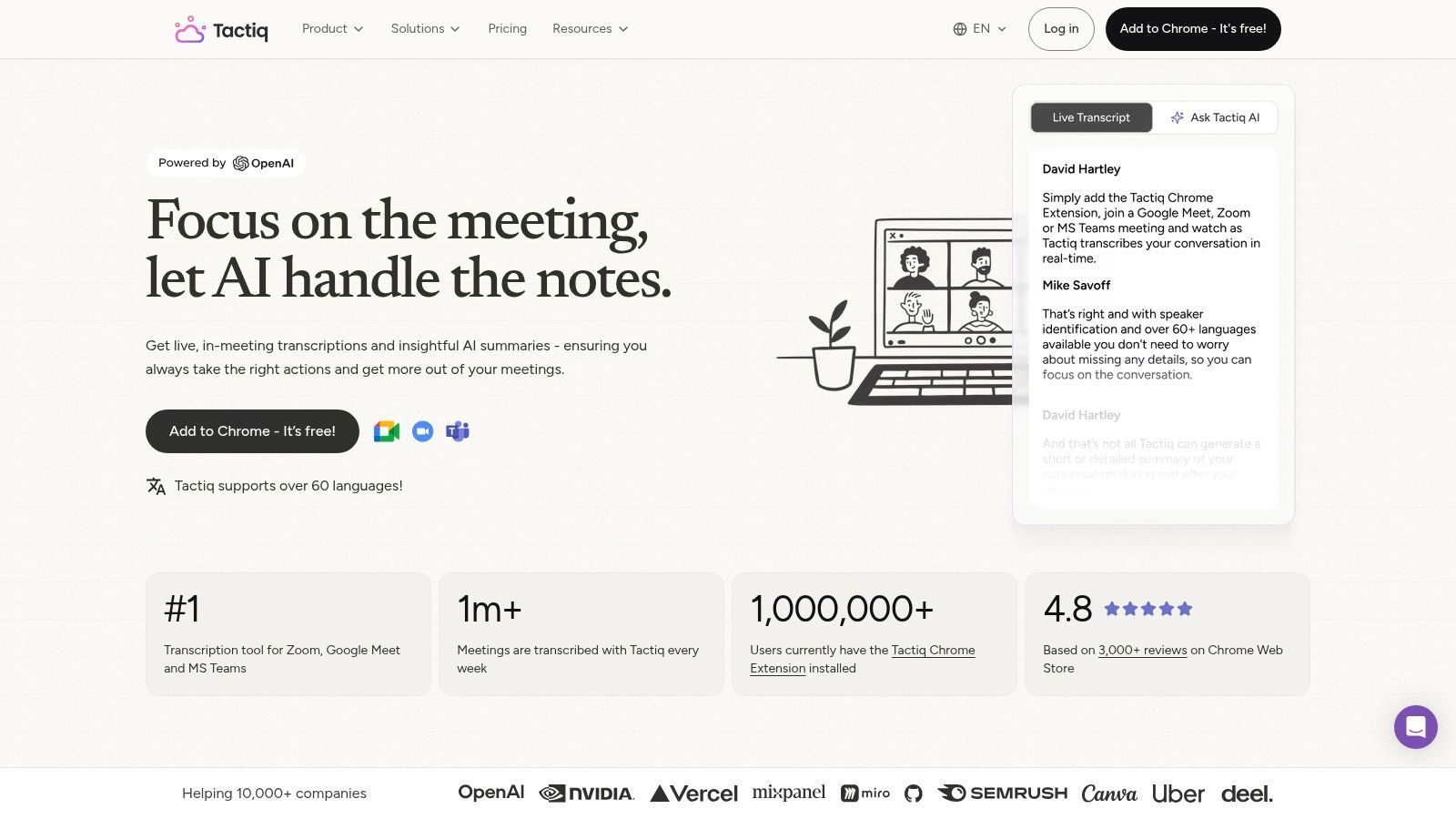
Start with Tactiq when you need the words before the interpretation. Tactiq offers a free YouTube transcript tool, with transcript text that can be copied or downloaded, alongside AI-summary and recorded-meeting workflows.
Its YouTube route is more deliberate than an in-page recap: obtain the transcript, inspect it, then summarize it. That extra step is useful when your brief depends on precise terminology, disputed statements, or a speaker's qualifications.
More control, more handling
For a technical panel, request separate outputs for each speaker's position, unresolved disagreements, and stated limitations. A general summary can merge opposing views into a consensus that nobody expressed.
Tactiq also supports meeting and recorded-call notes. If that's your primary use case, compare AI meeting assistants on capture and note-management requirements, not just their ability to summarize a public video.
Verification habit: Check the transcript against the recording before publishing a quotation. A transcript is an intermediate record, not guaranteed verbatim evidence.
Caption or transcription errors can pass directly into the summary, and some AI features may have plan limits. Tactiq makes sense when transcript access justifies the extra handling. It's less appealing when your only requirement is an immediate summary beside the player.
10. ScreenApp
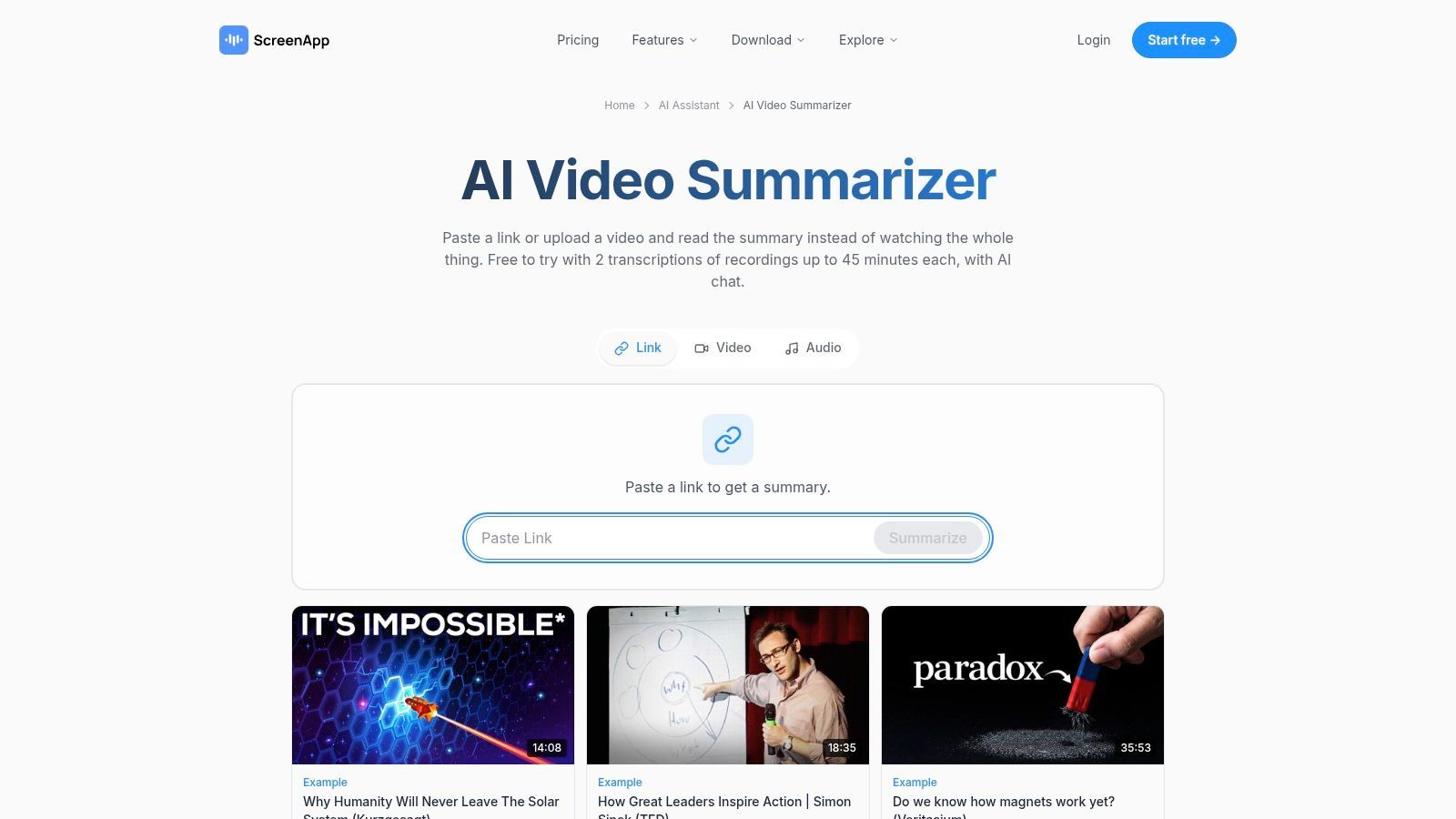
A team handling webinars, public videos, and internal recordings needs more than a YouTube URL box. ScreenApp's AI summarizer accepts video and audio uploads as well as YouTube and other public video links.
Its outputs include summaries alongside transcripts, speaker information, timestamped chapters, and follow-up AI chat. That combination suits review workflows where a colleague needs to move from an overview to a specific passage without asking the original researcher to find it again.
- Input advantage: Uploaded recordings and public links can enter the same general workspace.
- Output advantage: Chapters and transcripts provide more navigation than a short recap alone.
- Operational constraint: Free use is limited, and paid allowances need checking against your actual volume.
Evaluate the handoff
Test whether a colleague can locate a statement from the exported or shared output. Inspect speaker attribution around interruptions, and check whether chapter boundaries separate distinct subjects rather than splitting a continuing argument.
Don't equate an upload feature with permission to upload sensitive material. Review workspace access, retention, and organizational requirements before submitting internal recordings.
ScreenApp is worth shortlisting when input flexibility and navigable records matter together. Occasional YouTube viewers may not need that breadth, while teams processing varied media should test it with a representative recording rather than a clean demonstration file.
How the 10 AI video summarizer tools compare by input, output, and best fit
| Item | Main Input | Key Outputs | Best Fit |
|---|---|---|---|
| Eightify | YouTube videos | Summaries, key insights, clickable timestamps | Quickly reviewing YouTube content while watching |
| NoteGPT | YouTube videos, video and audio files | Summaries, key points, transcripts, notes | Study and review workflows |
| Glasp | YouTube videos, articles, PDFs | Summaries, transcripts, highlights, exportable notes | Saving and reusing research notes |
| summarize.tech | YouTube URLs | Summaries of long videos | Simple previews of lectures, events, and meetings |
| Monica | YouTube videos | Timestamped summaries, mind maps, follow-up chat | Exploring video topics and asking follow-up questions |
| WayinVideo | Video uploads and links from multiple platforms | Summaries, transcripts, timelines, timestamped points, exports | Reviewing podcasts, lectures, and creator content |
| Notta | YouTube videos with available captions, audio and video | Summaries, transcripts, saved workspace records | Searchable transcription and meeting-note workflows |
| Mindgrasp | YouTube videos and other study materials | Summaries, notes, Q&A, flashcards, quizzes | Learning and revision |
| Tactiq | YouTube transcripts and recorded calls | Transcripts, summaries, meeting notes | Workflows where transcript access and exact wording matter |
| ScreenApp | Video and audio uploads, YouTube and other links | Summaries, transcripts, speakers, chapters, AI chat | Teams handling webinars, meetings, and varied media |
Matching an AI Video Summarizer to Your Actual Workflow
Choose the input route first. YouTube-focused extensions suit quick triage while browsing. Transcript-first tools make more sense when exact wording, speaker attribution, or reusable research records matter. Multi-input platforms are the practical choice when uploaded recordings and public links belong to the same job.
Then choose the output you need. A short summary answers whether a video is relevant; timestamped points help you move through it. A transcript supports close reading, while exportable notes support a knowledge base. Mind maps and quizzes serve learning tasks, not evidence preservation.
Test the difficult passage
Before subscribing, run a real video through the tool and inspect a passage you understand well. Choose something with a qualification, a speaker change, or an important visual demonstration. A clean monologue won't expose the same weaknesses as an interrupted panel or a screen-recorded tutorial.
The systematic review of automatic video summarization describes a field involving content selection, multimodal evidence, and varied summary formats. In practice, don't assume that accepting a video means the tool interprets its visual content.
- Coverage: Does it retain the main argument and its important exceptions?
- Grounding: Can you trace consequential claims to the recording?
- Chronology: Does it preserve corrections and changes of position?
- Portability: Can you move reviewed notes into your working system?
A survey of video summarization evaluation explains the limits of temporal-overlap metrics for judging broader summary quality. For product evaluation, assess factuality, chronology, coverage, and timestamp alignment separately rather than reducing acceptance to a fluent paragraph.
Check current plan limits on each vendor's site, including upload allowances, credits, exports, and language restrictions. For meeting-heavy work, AI meeting notes tools compared offers another useful comparison category, since capturing a meeting and summarizing an existing video are different requirements.
For teams building summarization into their own product, reliably obtaining the source media can be the harder engineering problem. At Vid Kraken, we provide the managed YouTube download step; transcription, visual analysis, and summarization remain separate choices.
The right tool is the one that accepts your actual sources and returns something you can verify and use. Start with a representative recording, inspect the difficult passages, and commit only after the complete workflow works.
Vid Kraken provides a managed YouTube download API for bringing video or audio files into transcription, summarization, and media-processing pipelines. We handle bot detection, proxies, cookies, retries, and YouTube changes so your team can focus on the analysis layer. Visit Vid Kraken to explore integrating source-media downloads into your product.