Best AI Agent Tools in 2026: Build, Connect, Operate
Compare nine AI agent tools for building, connecting, and running agents, from code-first frameworks and no-code builders to managed APIs for agent workflows.
Dalvo · November 17, 2026
The prototype works. The agent reads a request, selects a tool, returns a clean answer, and the team nods. Then it runs unattended against live APIs, hits a 429 at 2 a.m., retries four times, and dies with a stack trace nobody can read at breakfast.
That gap is where most agent projects stall. A notebook agent proves a model can pick a tool. A production agent has to pick a tool, survive a bad response, hold state across a long job, wait for a human when the stakes rise, keep costs attributable, and log enough that a failed run can be explained three days later.
Those requirements split into three jobs. Build is the agent's logic: planning, state, tool selection, handoffs. Connect is how it reaches the outside world: APIs, business apps, data, files. Operate is everything after the code works: deployment, permissions, traces, cost, failure handling. Few products cover all three well. The ones claiming to usually mean their marketplace covers it.
This list is organized by those layers. Nine tools, each with the layer it serves, the trade-off you accept, and the point where it breaks down. One entry, Vid Kraken, isn't an agent framework at all. It's a media-input capability an agent calls, which is exactly why it belongs in a list like this.
Table of Contents
- 1. LangGraph
- 2. Google Agent Development Kit (ADK)
- 3. Microsoft Agent Framework
- 4. CrewAI
- 5. Dify
- 6. Relevance AI
- 7. n8n
- 8. Zapier Agents
- 9. Vid Kraken
- How the nine AI agent tools differ by approach, deployment, and best fit
- Matching Each Tool to the Layer Your Agent Needs
1. LangGraph
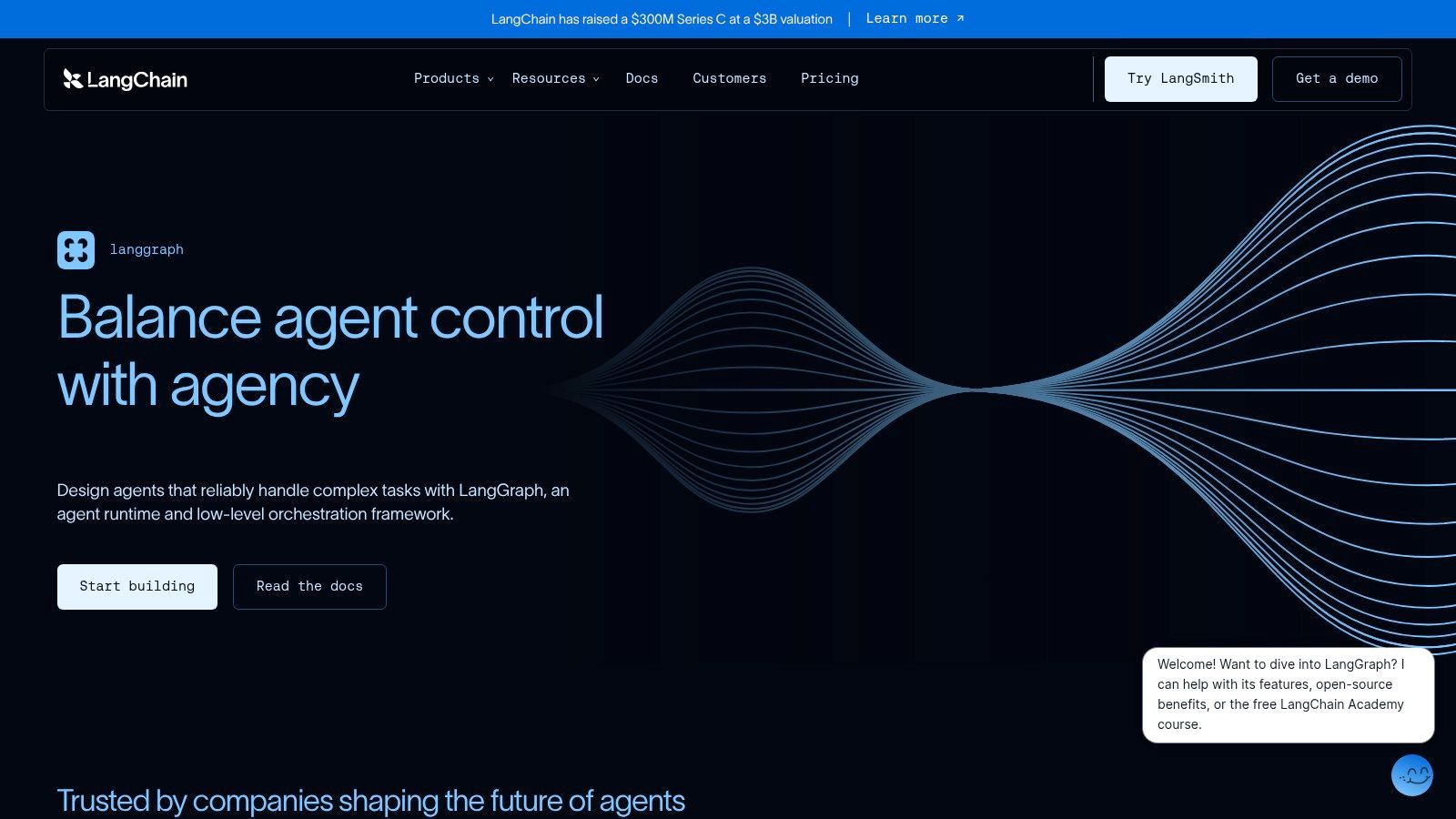
The build layer, for teams that want an agent's control flow written as code and reviewed in a pull request. LangGraph models an agent as a state graph. Nodes do work, edges decide what runs next, and checkpoints persist state to a store you choose, which is what makes resumption possible after a crash.
The documentation is terse, but the runtime is legible. You can read a graph and see every path an agent might take.
McKinsey's 2025 global survey of 1,993 respondents found that 23% of organizations were scaling an agentic AI system in at least one enterprise function and another 39% were experimenting, with no individual function above 10% adoption at scale, per the McKinsey State of AI 2025 report. Narrow rollouts are the norm, so the engineering question is whether one workflow can be trusted, not whether the agent can do everything.
Where it earns its keep
Long jobs that touch six systems and pause for approval are exactly what a graph handles well. Interrupts let a person approve a step, and checkpointing resumes from that point instead of starting over.
- Explicit state: every input and output is typed and inspectable, which shortens incident review.
- Recovery: a failed node retries or routes to a fallback branch you wrote on purpose.
- Human gates: approval steps sit inside the workflow rather than bolted on with a queue and a prayer.
What it costs you
You write Python or TypeScript, and an engineer owns the graph. There's no canvas for a product manager. Tracing, evaluation and managed deployment come from LangSmith as separate paid services, so budget for observability rather than assuming it ships with the library. For a two-tool agent that answers questions, this is more machinery than you need.
2. Google Agent Development Kit (ADK)
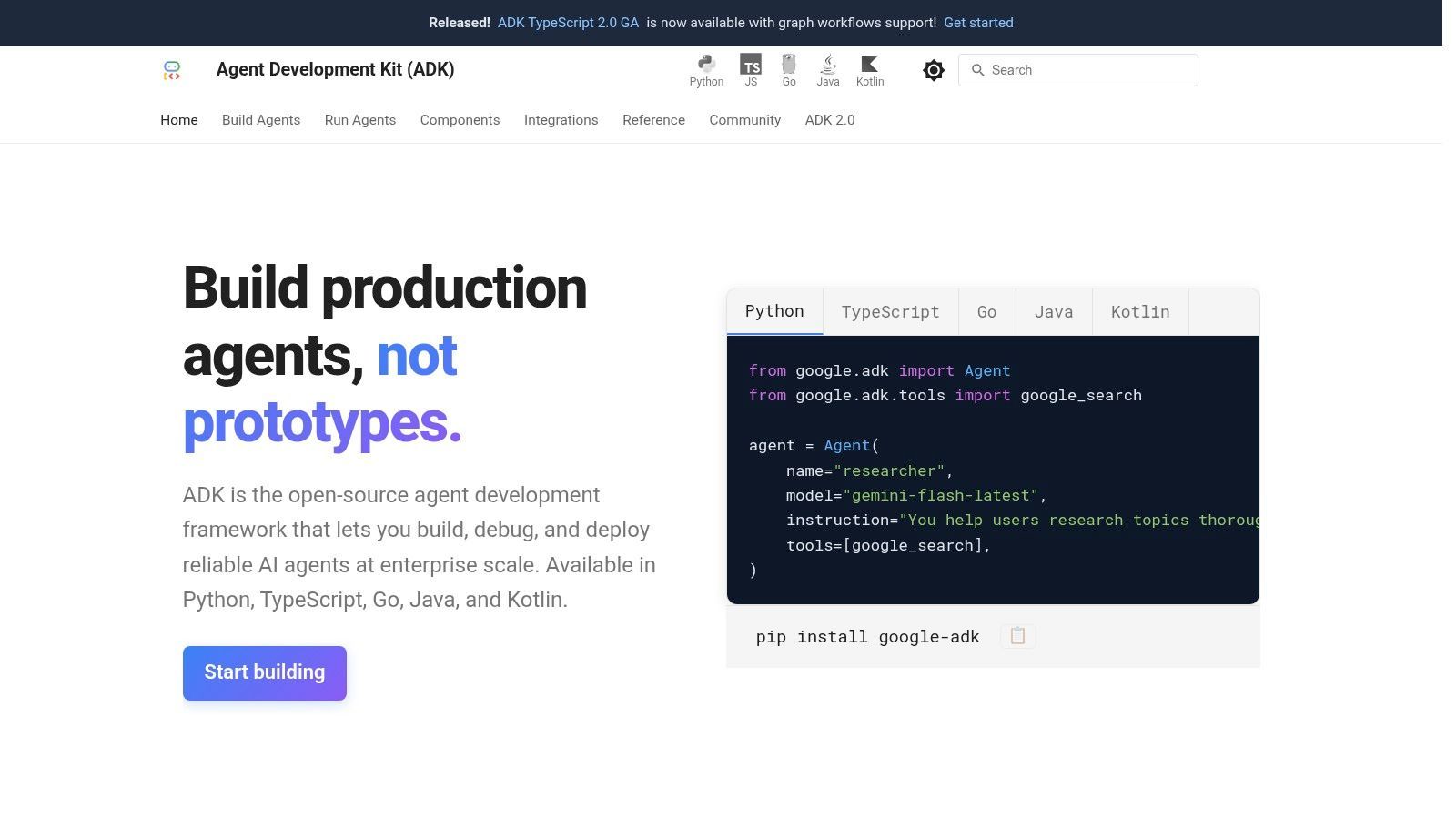
Open source and code-first, ADK treats agent development like application development. Agents live in a repository, run locally with a browser-based dev UI, and deploy to Google's runtime options when the code is ready. It's the framework I'd reach for when a team already runs on Google Cloud and wants the core components of agentic frameworks expressed as reviewable code rather than a canvas.
The docs walk through a working multi-agent sample in about ten minutes, which is a fair test of whether a framework respects your time.
Multi-agent applications are first-class. A coordinator agent hands tasks to specialized sub-agents, and each sub-agent keeps its own instructions and tools. Local development means you iterate without a cloud round trip on every change, and documented deployment paths run through Agent Runtime, Cloud Run or Google Kubernetes Engine.
The gap between large and small teams
Adoption splits sharply by size. McKinsey and KPMG survey data compiled by Hostinger reports that 40% of organizations with annual revenue above $1 billion were scaling AI agents in at least one business function, up from 27% a year earlier, against 22% of smaller organizations. The same summary puts agents in production at 67% of organizations with 10,000 or more employees, compared with 50% of those with fewer than 100.
A framework that assumes platform engineering, a CI pipeline and a cloud landing zone fits the first group far better than the second.
Friction points for non-Google shops
The deployment story is Google-shaped. Agent Runtime, Cloud Run and GKE are the documented paths. Infrastructure elsewhere means moving workloads or doing the integration work yourself.
Two bills, not one. The framework is free; cloud deployment and model usage bill independently, which surprises teams budgeting from a zero price tag.
Setup work is real. Authentication, quotas and IAM are routine for GCP teams and friction for everyone else. For agents that pull outside media into a pipeline, how MCP connects agents to external tools covers the handshake the tool layer needs.
3. Microsoft Agent Framework
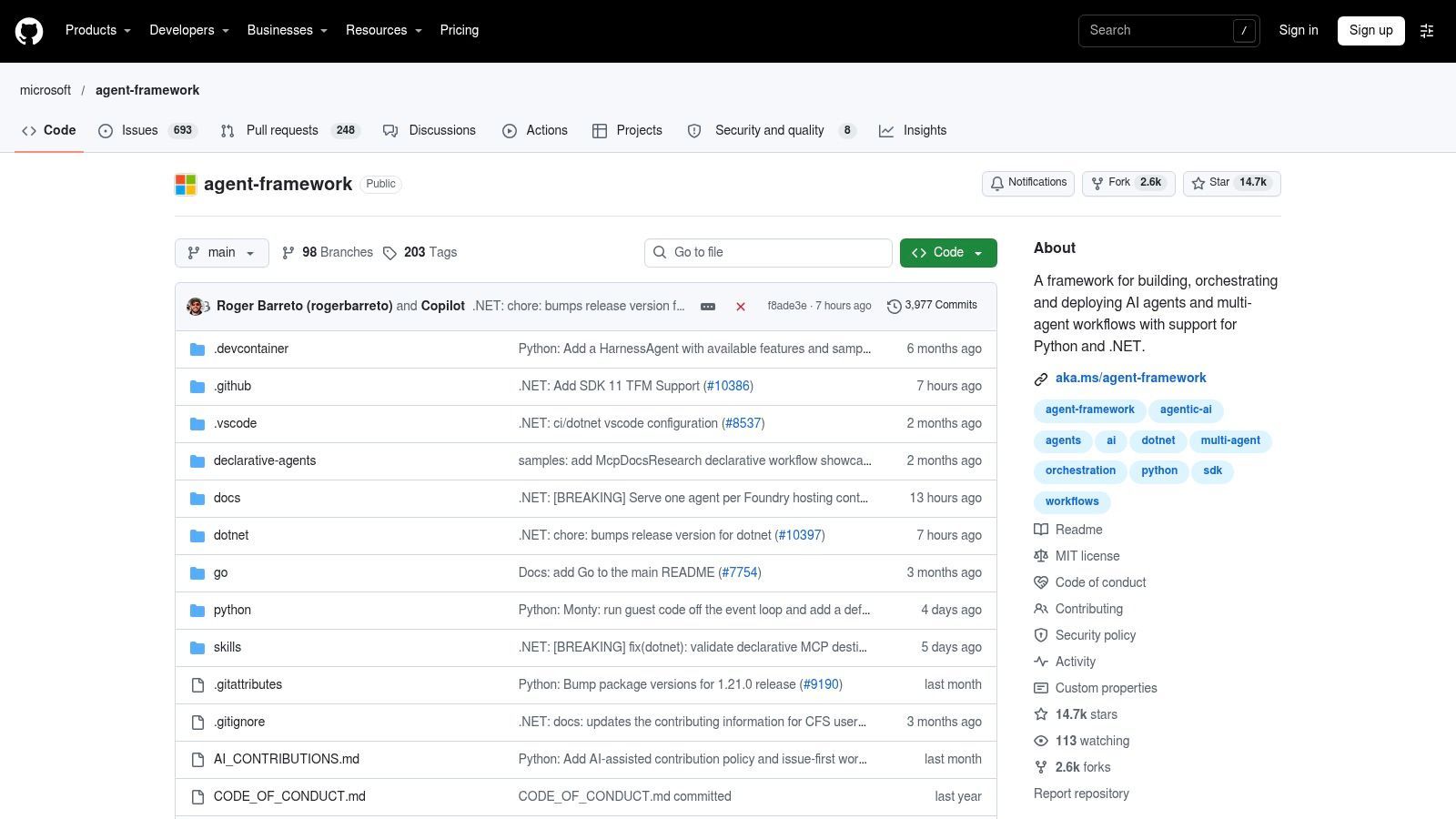
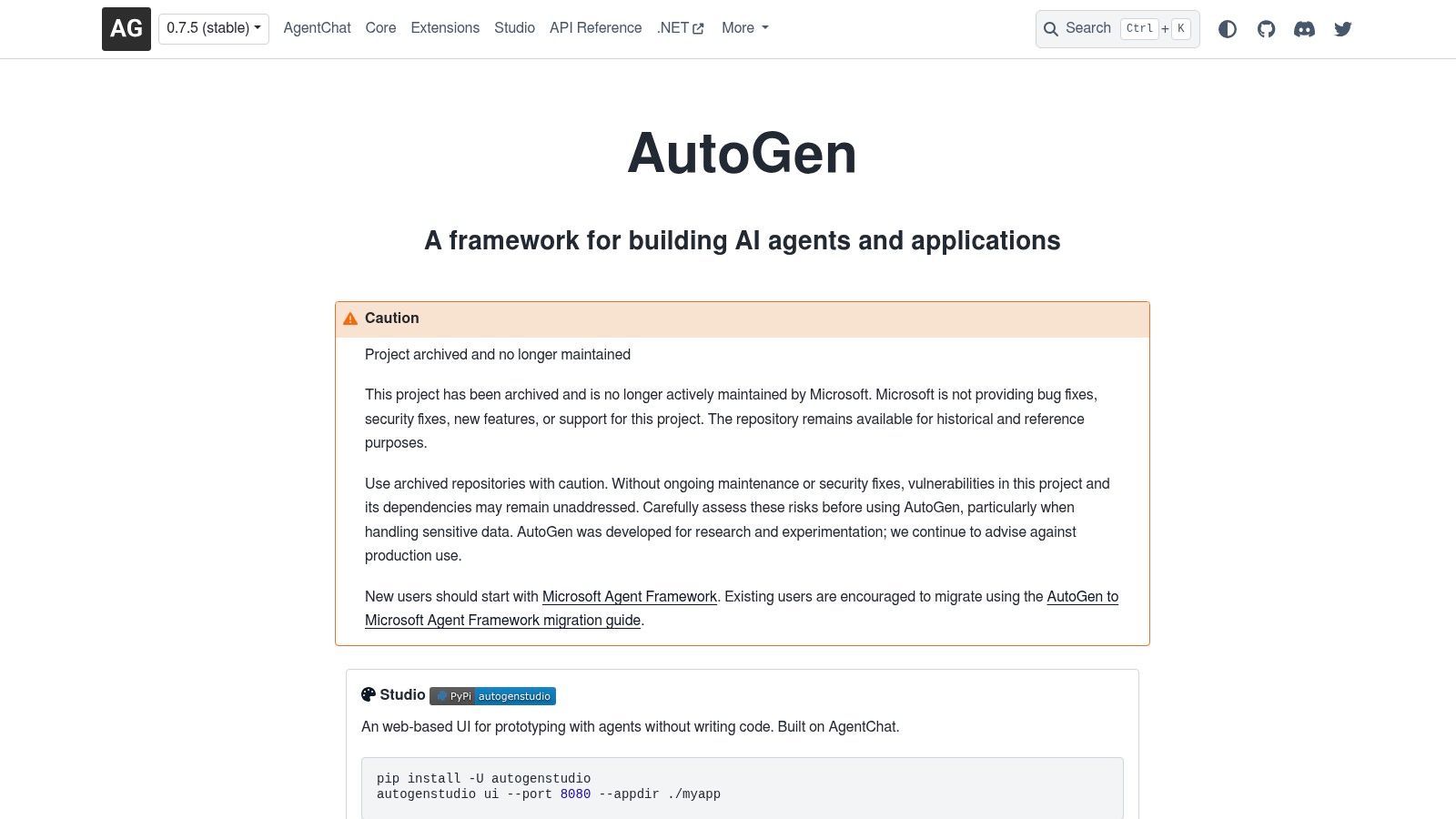
Microsoft describes this as the successor to Semantic Kernel and AutoGen, and that lineage matters when you're choosing. Teams that built on AutoGen's conversational multi-agent patterns get a migration path into one framework covering both agents and workflow orchestration, with support for multiple model providers and interoperability through A2A and MCP.
The practical benefit is consolidation. Instead of one library for single agents and another for graphs, you get both, and the workflow primitives live inside ordinary application code.
The developer reality check
Stack Overflow's 2025 Developer Survey found 31% of developers using AI agents, 17% planning to use them, and 38% with no plans to adopt, while 69% of developers who use agents at work agreed that agents increased their productivity, according to the Stack Overflow 2025 Developer Survey. Read the second half carefully. Gains are real for people who adopted, and a large minority never will.
A framework that hides the tool loop is fine for a demo and miserable during an incident review at 2 a.m.
Maturity and stale tutorials
The project is young and moving. Pin versions and read release notes before upgrading a workflow that's paying customers.
Old samples mislead. Semantic Kernel and AutoGen tutorials still rank well in search but won't map cleanly, so treat them as concepts rather than copy-paste code.
No low-code escape hatch. Everything is engineering work, and the ecosystem advantage only exists if your team already lives in Microsoft tooling. Assess compatibility with your existing code before committing, and expect to own the orchestration patterns yourself rather than inherit them.
4. CrewAI
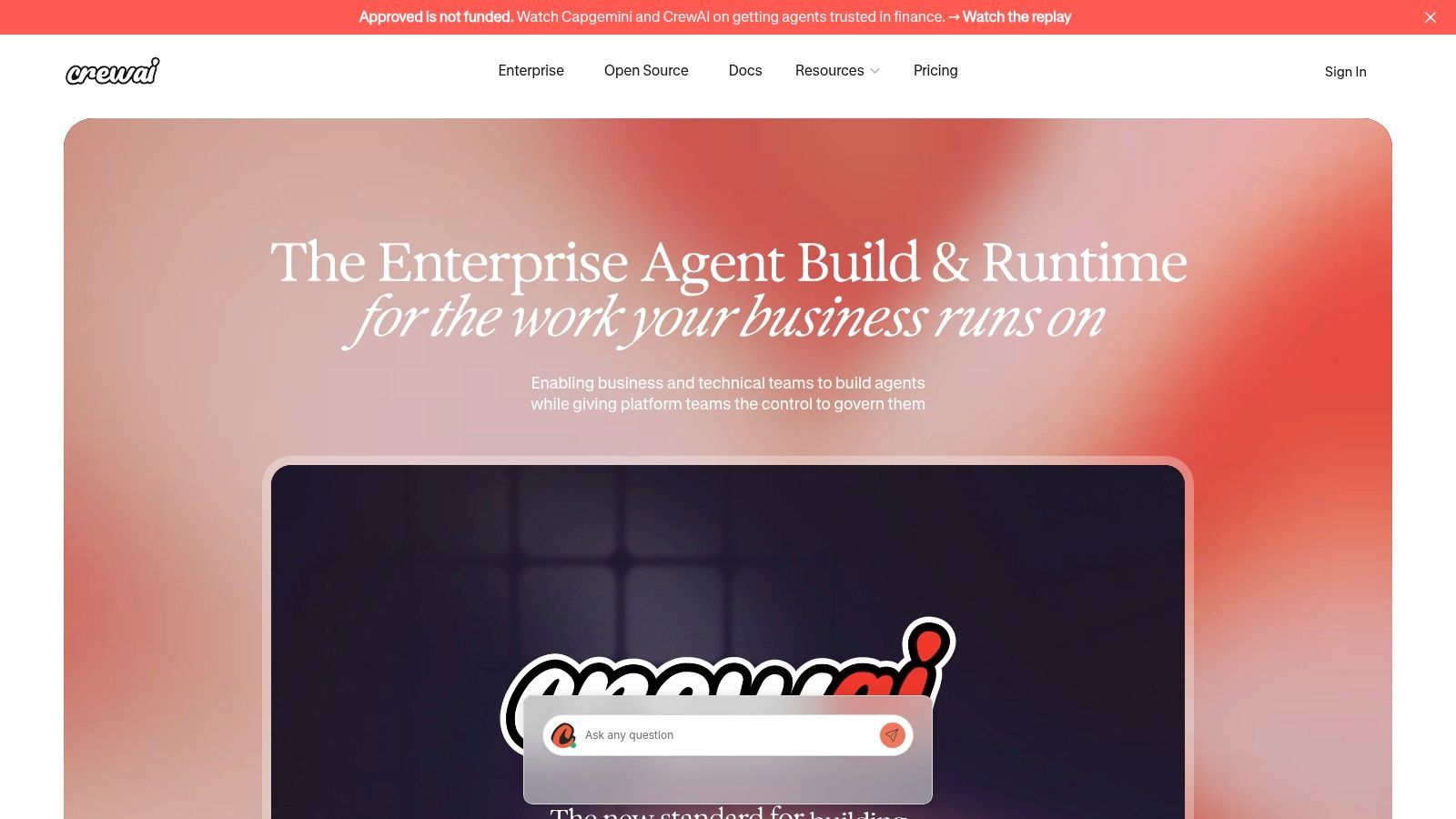
CrewAI organizes work around roles. You define agents with a role and a goal, assign tasks, and the platform coordinates who does what. CrewAI pairs a visual editor and AI copilot on its free offering with a code path for developers, and enterprise deployment options include CrewAI Cloud, a customer's own VPC, or CrewAI's infrastructure.
The role metaphor maps onto real workflows. Research, review and execution are separate jobs with separate standards, and modeling them separately makes handoffs explicit instead of buried in one enormous prompt.
How often people actually run agents
Stack Overflow's 2025 Developer Survey, covering more than 49,000 developers, put daily agent use at work at 14.1%, weekly at 9.0%, and monthly or less at 7.8%, as summarized in The New Stack's report on the survey. That's the honest context for any multi-agent design. You will reopen your crew in three weeks and try to work out what it does, and if the role boundaries aren't obvious from the names, you've built a maintenance problem with a nice logo.
The multi-agent tax
- Testing multiplies. Four agents with four toolsets produce combinations you won't cover by hand.
- Debugging becomes indirect. A wrong answer may come from a handoff, not a prompt.
- Free-tier limits bite early. The free plan's execution allowance won't carry a real workload, and enterprise deployment starts with a sales call.
Single-agent flows inside CrewAI are simpler and often the right call. Reach for multiple agents when the roles have different tools and different quality bars, not because the diagram looks better.
5. Dify
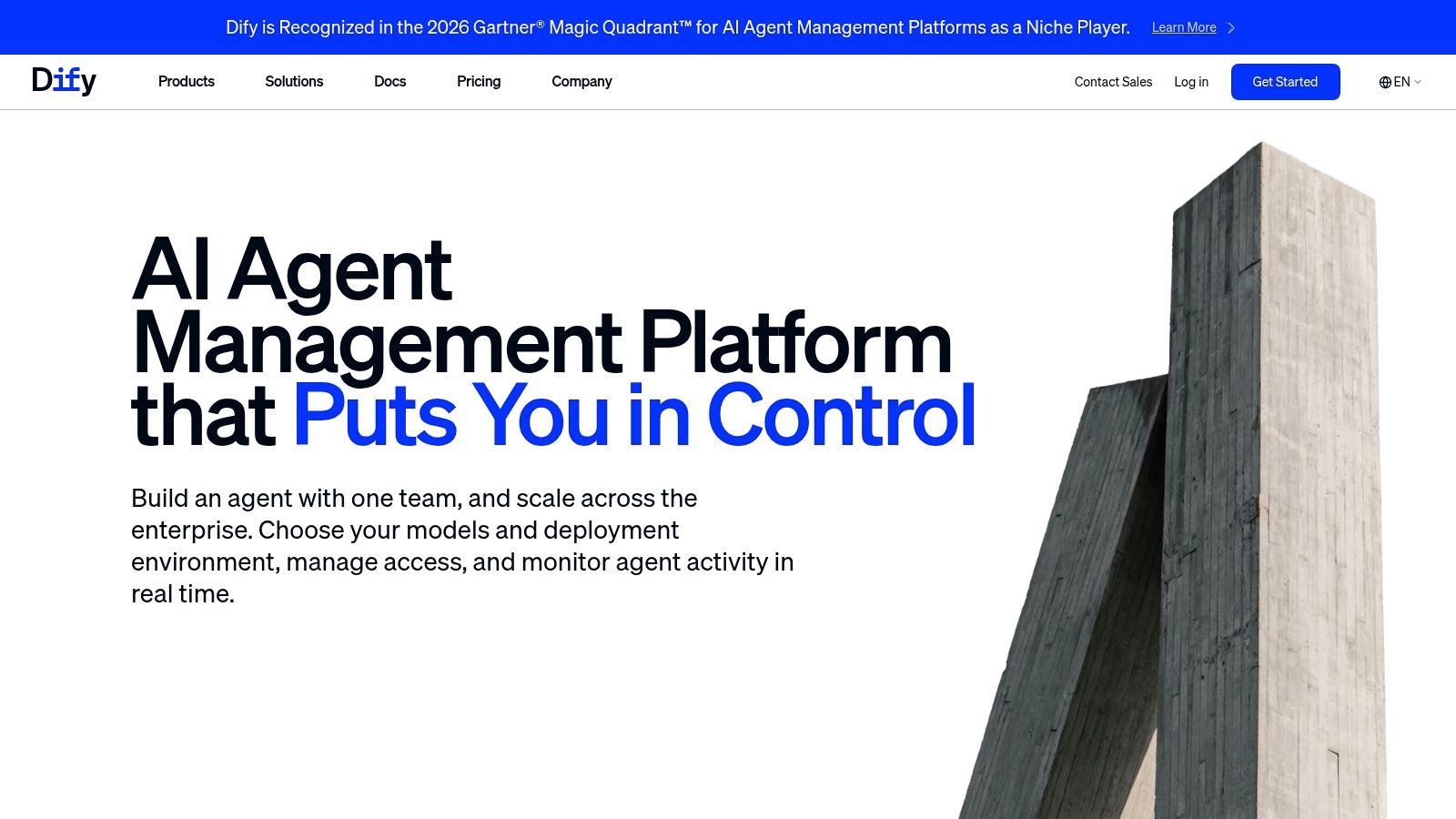
Dify sits between a framework and a product. You build AI applications and agent workflows visually, connect model providers, and choose either hosted Dify Cloud or the open-source Community edition on your own infrastructure. Teams shipping an internal tool around their own documents get a shorter path than assembling a framework from parts.
The self-hosting option is why many teams pick it. Running Community edition keeps application data, prompts and model credentials inside your network, which matters when a workflow touches customer records.
The pilot-to-production gap
Most agent programs sit in the middle. In Netskope's 2026 State of AI Agents report, 53% of organizations were still evaluating or piloting agents, 29% had reached production, and 7% had scaled them across multiple workflows. The same research identified insufficient observability, logging, monitoring and audit trails as a leading agent-security concern, cited by 57.4% of respondents.
Apply that test to any visual builder. Can you see which workflow ran, with which inputs, at what cost, and why it failed? If the answer lives in someone's browser tab, you don't have operations, you have a demo that bills monthly.
Maintenance is the subscription you didn't price
Self-hosting is ongoing work. Upgrades, backups and security patches run on your schedule, not the vendor's.
Hosted plans have ceilings. Resource limits are real, and a heavy workflow will find them.
Model costs sit outside the platform fee. Budget both, and watch the model side, because it grows with usage rather than seats.
The versioning features on Cloud plans matter more than they look. Being able to roll back an application after a model change degrades output is the difference between a bad afternoon and a bad week.
6. Relevance AI
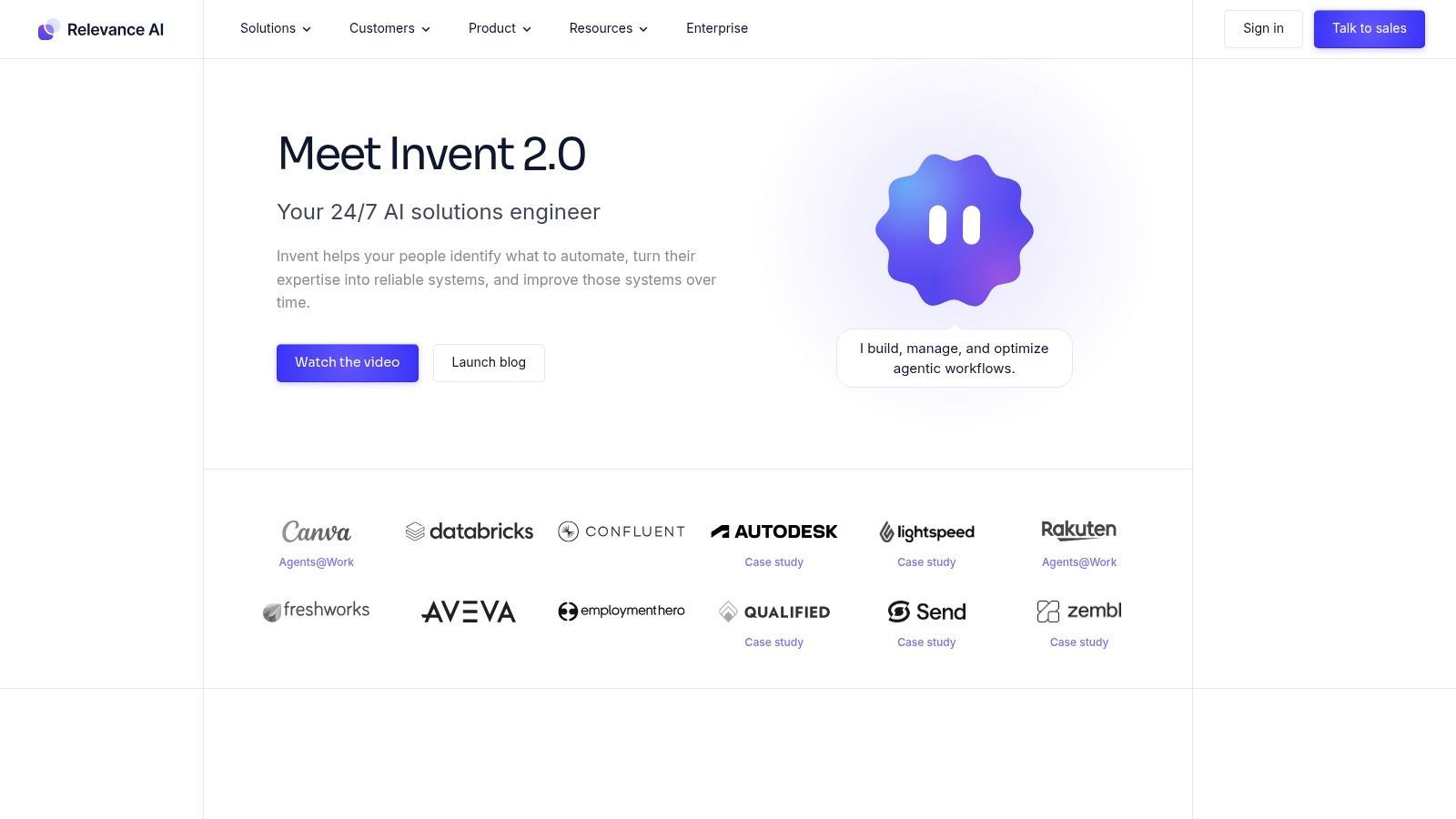
A hosted platform for building agents and grouping them into workforces, aimed at business teams rather than platform engineers. Relevance AI provides low-code tool building, integrations with common apps, custom API connections for internal services, and a free plan for evaluation.
The appeal is speed of exploration. A support lead can wire an agent to a knowledge base and a ticketing system in an afternoon and learn whether the process is worth automating at all. That's cheaper than a discovery sprint.
Where agents actually get deployed
Zapier's 2026 survey of 513 enterprise leaders found 88% of organizations using or testing AI agents, up from 72% a year earlier, with agent use in production rising from 40% to 71%, according to the Zapier AI agents survey. The function breakdown is the useful part. Operations reached 59% and customer support 57%, ahead of DevOps and engineering at 44%, with HR at 43%, finance at 41%, marketing at 39% and sales at 37%.
That distribution explains the category. The buyers are operations and support managers, and they want configuration, not a repository.
Credits, actions and the real bill
- Usage is metered in actions or credits. Model-heavy agents get expensive without an obvious inflection point.
- Custom APIs cover plenty, not everything. Internal services with unusual authentication still need engineering.
- Core product teams outgrow it. When the agent is the product, code-level control wins.
Choose the layer before the tool. A business-team platform is wrong for an agent that ships inside your software and right for the process nobody wants to own.
7. n8n
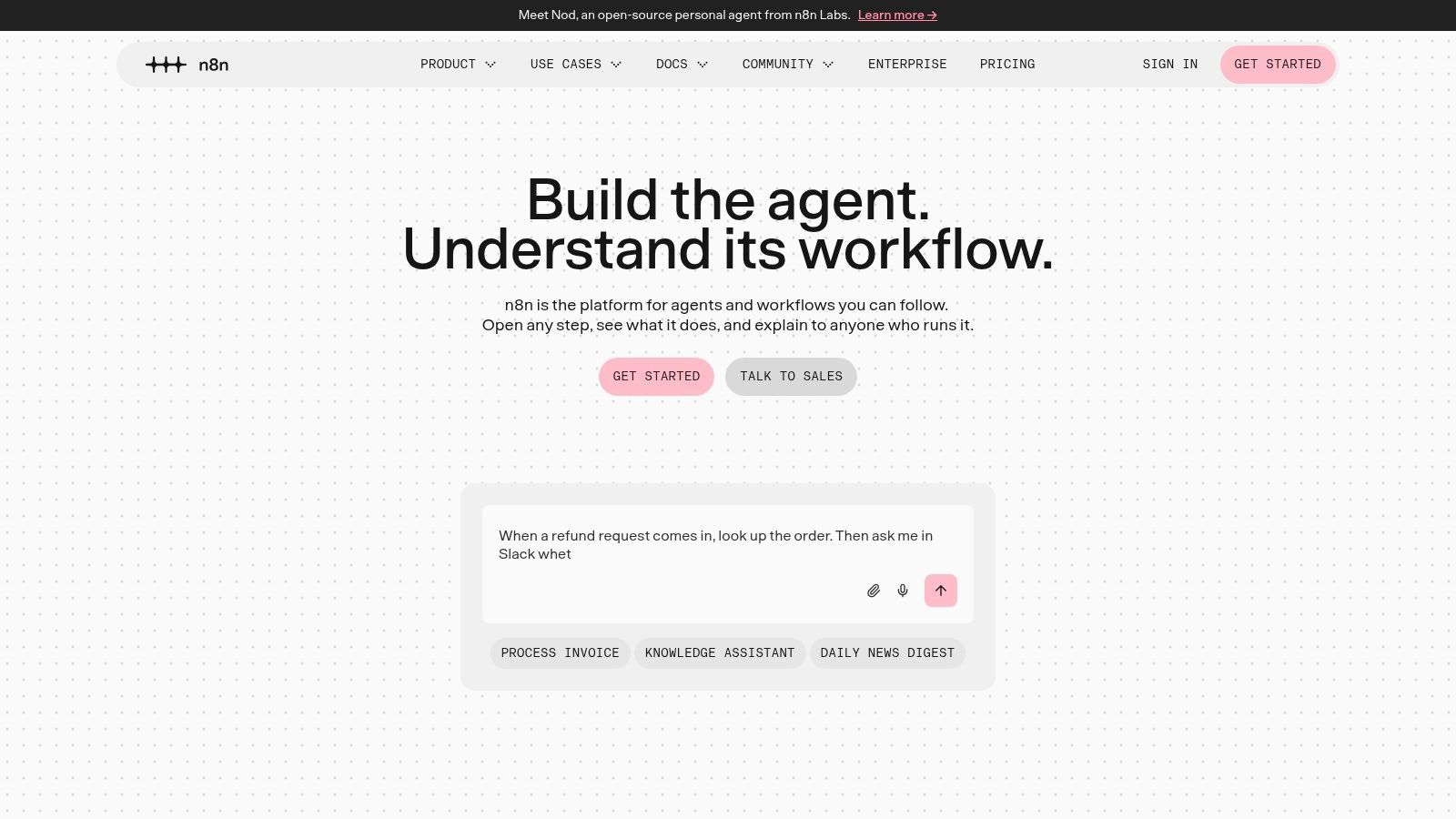
A ticket arrives, a status check runs, an API is called, and the result is written back. Most of that path is ordinary workflow, not model work. n8n is a workflow automation platform with AI agent nodes, so those steps stay deterministic and the model decides only where judgment is required. It sits in the connect-and-operate layer: it wires systems together and runs the job. It is not the framework you use to build agent logic.
You can run it cloud-hosted or self-hosted. Cloud plans bill by workflow execution, so cost tracks activity rather than seats.
Deterministic steps, model-driven decisions
A download-and-transcribe pipeline shows the split. A trigger receives a URL, an HTTP node validates it, an agent node chooses the output format from the request, a job is submitted, and a wait node polls until the file exists. Only the format choice needs a model. That is the right scope for one.
Practical rule: keep retries, backoff and idempotency in the workflow, not in the prompt. An instruction to "try again if it fails" produces duplicate work and a larger bill.
The trust boundary you inherit
Every connected app or MCP server adds a credential. Each node you add also widens what a compromised agent can reach. Treat a new connection as an access decision: which account it uses, what it can write, and whether a failed or hijacked run should stop instead of continuing down the graph.
Self-hosting is a job
Operations land on your team. Upgrades, patches and backups are part of running it, and a skipped minor version becomes a weekend.
Complex workflows get brittle. A twenty-node graph needs naming conventions and error branches, or nobody debugs it under pressure.
Execution pricing follows volume. Budget by how often workflows run, and instrument the noisy ones before finance asks.
8. Zapier Agents
An ops lead opens a shared inbox full of inbound requests and wants each one filed in the CRM and a project tracker before lunch. Zapier Agents is the connect layer for that job. You describe the agent, point it at business knowledge, and let it act through apps Zapier already maintains: email, spreadsheets, CRMs and project trackers. Web browsing and live data sources cover the case where the workflow needs a page rather than an API.
Setup is configuration, not a service you deploy. A team that only needs triage and filing can have it running the same afternoon, with no infrastructure of its own.
The design question is whether the agent belongs inside your product. Zapier Agents are personal automations, so they do not serve as a runtime you embed in a live customer-facing experience. If the agent is part of the product, use this as a prototype and plan a rebuild.
Activity allowances cap how much an agent can run. A weekly internal task stays inside that cap. Steady daily volume finds the ceiling quickly.
Orchestration stays coarse. You get fewer levers over state and branching than a developer framework, so multi-step logic with explicit branches belongs in code.
The app catalog is the boundary. Anything outside it needs a webhook or a custom step, and that step is still Zapier configuration, not your own service. Once you leave the prototype and own the call yourself, wiring a REST API into the product is a separate job from picking an app in the catalog.
Use Zapier Agents to prove a process is worth automating. Run the internal version for two weeks, count how often the outcome is right, then decide whether to rebuild it in code and own the deployment. That sequence keeps a team from writing a framework integration for a workflow nobody runs twice.
9. Vid Kraken
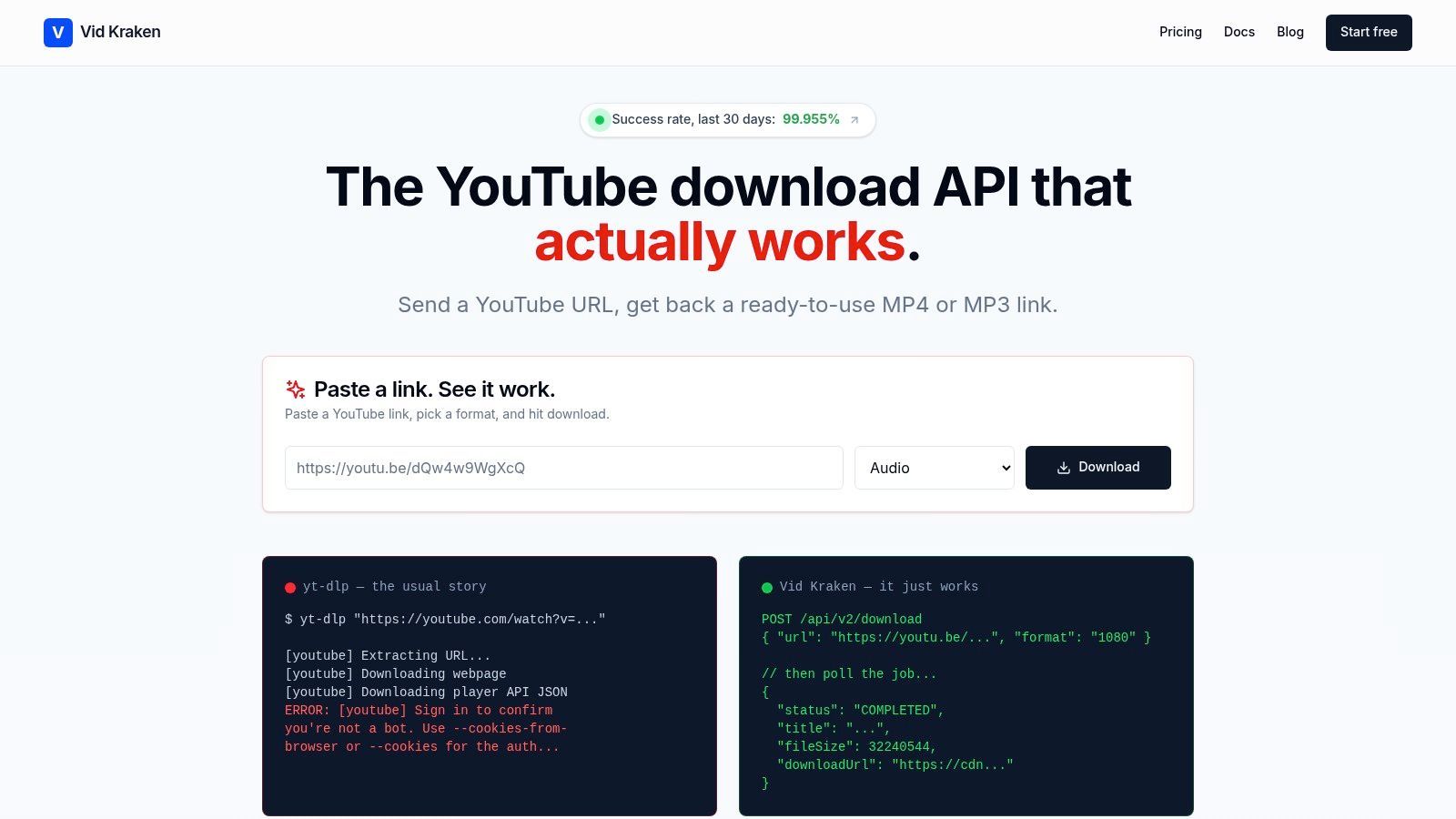
A video-import step can fail before an agent gets to analyze anything: YouTube changes its checks, and a download pipeline needs ongoing maintenance. Vid Kraken provides a managed YouTube download API for products and automated workflows. It handles bot detection, proxies, cookies, retries, and changes to YouTube, so the application can focus on what it does with the media.
The job it does
Submit a URL, then poll an asynchronous job for a temporary HTTPS download link. Title and duration are returned at submission; completed jobs report the delivered format and file size. The API can download YouTube videos as video or audio files, and fetch direct download links from YouTube, Instagram, TikTok, and Facebook.
Video is delivered as MP4, with H.264 by default when available. Standard plans support 360p to 1080p, with 4K available on request. Audio options include 320 kbps MP3, AAC in an M4A container, and the original stream without re-encoding. Requests can specify a preferred audio track using a BCP-47 language tag; if unavailable, the service tries a track whose tag starts with that value, then falls back to the original audio. Start and end times can limit a download to a clip.
Unavailable or restricted videos return machine-readable error codes for conditions such as private content, geographic or age restrictions, membership requirements, and DRM protection. Those codes let an application distinguish a restricted video from other failures.
How it fits into an agent
Vid Kraken supplies a media-input capability inside an agent or product. It does not build the agent logic or orchestrate its other tools. Compatible agents can call the remote MCP server, which is listed in the official MCP Registry. A separate read-only MCP server for searching Vid Kraken's documentation and pricing works without signing in.
Teams can also integrate through the REST API and its OpenAPI spec, official JavaScript and Python SDKs, or the command-line tool. The API uses asynchronous jobs, so an agent can submit a download and check its status later instead of holding a request open while the file is prepared.
Costs and caveats
Billing is based on bandwidth, not download count. Monthly plans start at $99; pay-as-you-go starts with a one-time $49 payment, and each download has a 20 MB minimum billable size. Failed downloads, metadata lookups, and status polling are free. The published success rate is available on Vid Kraken's site; verify the current figure and test the service against your own workload before adoption.
Use this layer when an application needs to bring video into transcription, dubbing, clipping, editing, or media automation workflows. The trade-off is scope: Vid Kraken handles media access, while the agent framework remains responsible for planning, memory, and decisions.
How the nine AI agent tools differ by approach, deployment, and best fit
| Item | Approach | Deployment | Best for |
|---|---|---|---|
| LangGraph | Code-first, stateful graph orchestration | Open source; run on your infrastructure or use optional LangSmith services | Long-running, multi-step workflows needing control and human review |
| Google Agent Development Kit (ADK) | Open-source, code-first agent and multi-agent framework | Local development; Google Cloud or other deployment environments | Developer teams, especially those already using Google Cloud |
| Microsoft Agent Framework | Open-source framework for agents and workflow orchestration | Integrate into software projects; deployment setup depends on your environment | Microsoft-oriented teams building interoperable agent workflows |
| CrewAI | Collaborative multi-agent workflows with visual and developer tools | CrewAI Cloud, customer VPC, or CrewAI infrastructure | Teams coordinating specialized agents across process stages |
| Dify | Visual AI application and agent workflow builder | Hosted Dify Cloud or self-hosted Community edition | Teams building AI applications around their data and workflows |
| Relevance AI | Hosted low-code agent and workforce platform | Hosted platform with free and paid plans | Business teams configuring agents and integrations with minimal coding |
| n8n | Visual automation combining agents, APIs, and deterministic steps | Cloud-hosted or self-hosted | Teams connecting agents to apps and APIs while retaining workflow control |
| Zapier Agents | App-connected agents for business knowledge and internal automation | Hosted service integrated with Zapier | Internal automations across common workplace apps |
| Vid Kraken | Managed YouTube download API for video and audio imports | Managed API with REST, SDKs, CLI, and MCP integrations | SaaS, AI, and media teams needing reliable YouTube media imports without operating download infrastructure |
Matching Each Tool to the Layer Your Agent Needs
Start with the failure, not the feature list. Name the layer that's breaking, because the wrong purchase is expensive and slow to unwind.
Logic failures. Runs succeed in isolation and fall apart at step four, or an agent forgets what it learned two tool calls ago. That's the build layer, and LangGraph, Google ADK, Microsoft Agent Framework or CrewAI is the shortlist. Pick by your team's language and cloud, not by benchmark charts.
Integration failures. The agent reasons well and can't reach the systems it needs, or reaches them with credentials scattered across a dozen config files. That's n8n, Zapier Agents or Relevance AI, plus a media or data capability like the one in section nine when the input is a video file rather than a record.
Operations failures. It works, nobody can explain why it cost $400 last Tuesday, and a restricted-content error surfaces to users as a blank screen. That's tracing, budgets, permission boundaries and structured error handling, and no framework choice saves you from designing it.
Shortlist two tools, not eight. Take the one that matches your team's existing skills and the one that stretches slightly beyond them, then run a small pilot with real inputs. Ten representative cases, including the ugly ones. A demo with curated URLs tells you nothing about retry storms or a members-only video.
Verify pricing, success-rate claims and data-rights obligations directly with each vendor before you sign. Marketing pages drift out of date faster than contracts.
Then test the paths prototypes skip: forced retries, restricted content, rate limits, a revoked token mid-run, a job that never finishes. If your agent loops forever on a deterministic 403, that's a design bug you can find in an afternoon rather than a month.
The pattern that saves the most time is separating deterministic steps from judgment calls, and patterns for avoiding duplicate agent work on bugs covers how to structure that handoff so retries don't multiply the work. Build the boring part first. Agents get reliable when the surrounding workflow refuses to be clever.
If you're adding YouTube video or audio to a product or an agent pipeline, Vid Kraken handles the download infrastructure for you: bot checks, proxies, cookies, retries and the changes YouTube keeps making, behind one asynchronous API. Submit a URL, poll the job, and get a direct HTTPS link with structured errors when content is restricted, plus SDKs, CLI tools and a remote MCP server for agent workflows. Visit the Vid Kraken site to check current plans and test a job against your own inputs before you commit.